
Fixed Asset Register
The Fixed Asset Register allows you to view assets by financial year.
The Fixed Asset Register allows you to view assets by financial year.
To use Fixed Asset Register navigate to Finance > Fixed Asset Register > Fixed Asset Register.
The Fixed Asset Register screen is displayed.
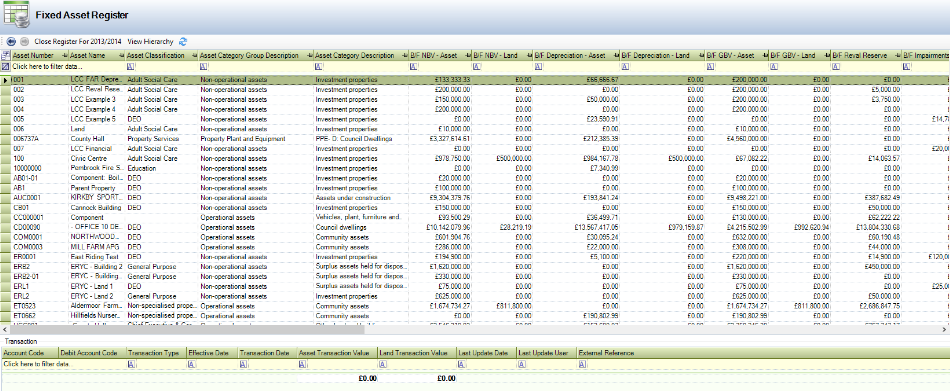
The buttons appearing on the Fixed Asset Register screen are described in the following table:
This Button… | Does This… |
|---|---|
Previous | Displays the previous financial year. |
Next | Displays the next financial year |
Close Register for <Financial Year> | Closes the register for the current financial year, if the current financial year is displayed. |
View Hierarchy | Toggles the hierarchy for grid items. |
Refresh | Refreshes the contents of the grid. |
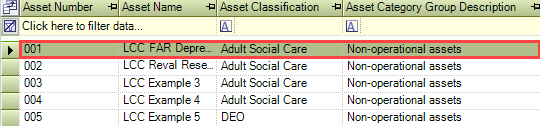
Select an asset to display Financial Asset information.
Related Topics
Click the links below to navigate to the following related topics: