
The Maintenance Overview is used to manage and update Service Requests Maintenance and PPM (planned preventative maintenance) Active Tasks relating to the business units that you have permissions to view.
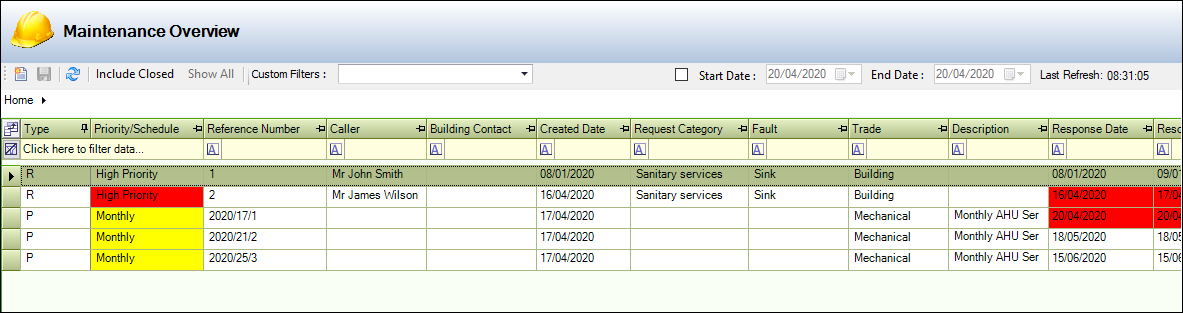
It can be accessed by navigating to Maintenance > Maintenance Overview.
The Maintenance Overview screen allows you to do the following:
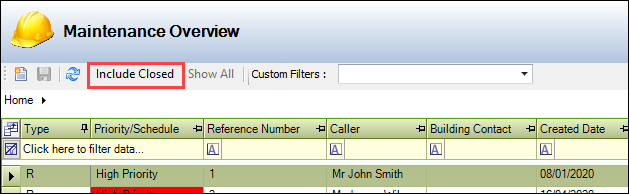
Including Closed Requests
Filter the list by doing the following:
-
Select the Include Closed button to display closed records.
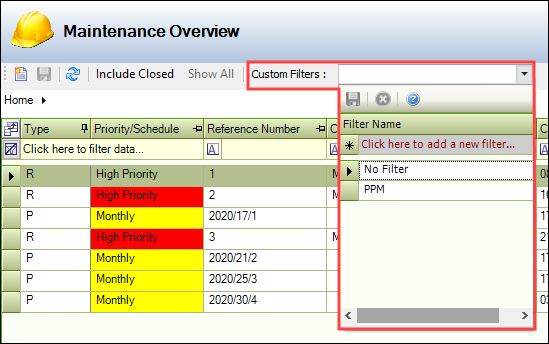
Using Custom Filters
Select from the Custom Filters drop-down, which allows you to select a filter set to apply to the grid, or create one by entering a name and clicking the Save button. This saves the current selection of filters and sorting.
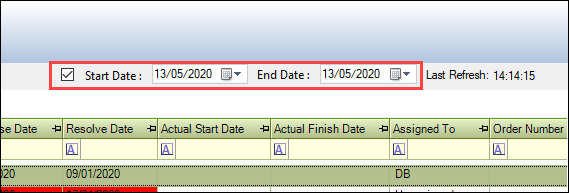
Filtering Request by Start and End Date
Select from the Start Date and End Date fields to display records created between those dates.
Updating a Request Status
Select from the Status drop-down to change a record's status.
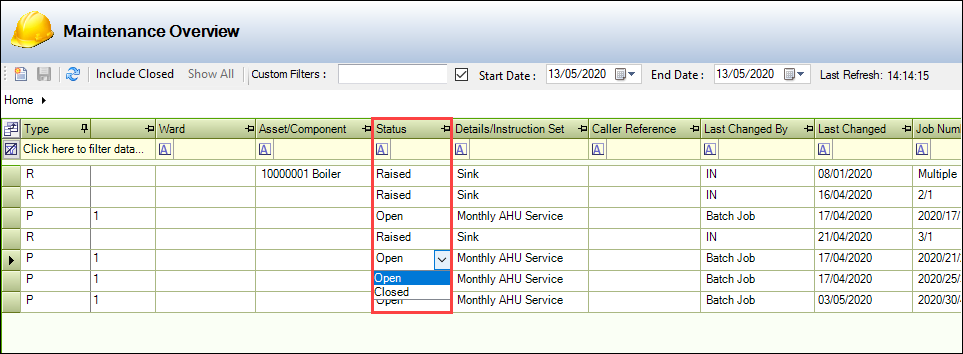
This is the only editable field.
-
Double-click a record to view further details