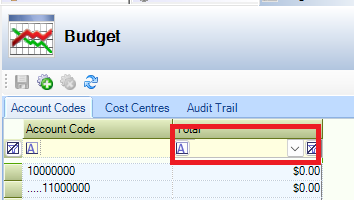
The Budget screen allows you to view a summary of items related to budgeting.
View Budget
Budget allows you to view a summary of items related to budgeting.
To use Budget navigate to Finance > Budget.
The Budget screen is displayed. The Account Codes tab displays all relevant account codes within the grid.
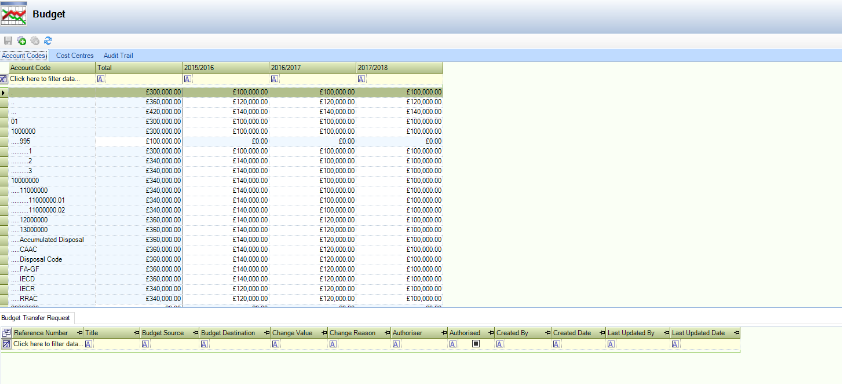
The grid displays unfiltered search results.
The buttons on the Budget screen are described in the following table:
|
Tab… |
Allows users to... |
|---|---|
|
Account codes, Cost Centres, Audit Trail |
Saves the information displayed in the grid. |
|
Account codes, Cost Centres, Audit Trail |
Add a financial year to the grid. |
|
Account codes, Cost Centres, Audit Trail |
Deletes the relevant financial year from the grid. |
|
Cost Centres |
Archives the relevant cost centre. |
|
Cost Centres |
Reinstates an archived cost centre. |
|
Account codes, Cost Centres, Audit Trail |
Refreshes the information displayed in the grid. |
|
Cost Centres |
Toggles the inclusion or exclusion of archived cost centres. |
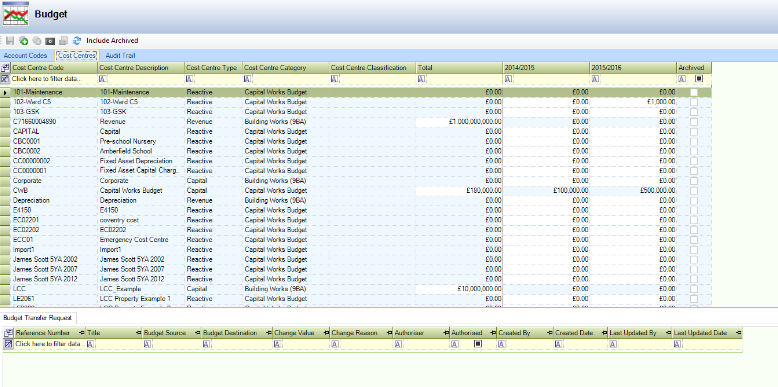
The Cost Centres tab displays all relevant cost centre codes within the grid.
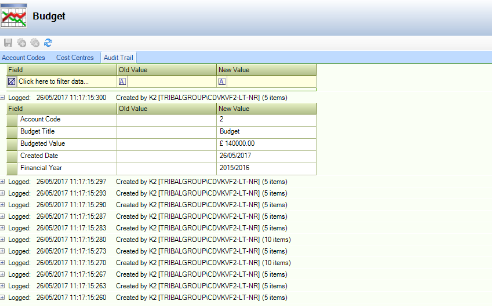
The Audit Trail tab displays all relevant account codes within the grid.
Filter Data
You can filter data by adding filter information to the relevant column heading in the grid, choose from:
-
Custom - opens the Custom Filter window where the filter can be refined.
-
Blanks - displays records with a blank or empty record for the relevant row.
-
Non-Blanks - displays records with any populated record for the relevant row.