
K2 Client

Estates Charges

You can use the Estates section to do the following:

Estate Charge Manager

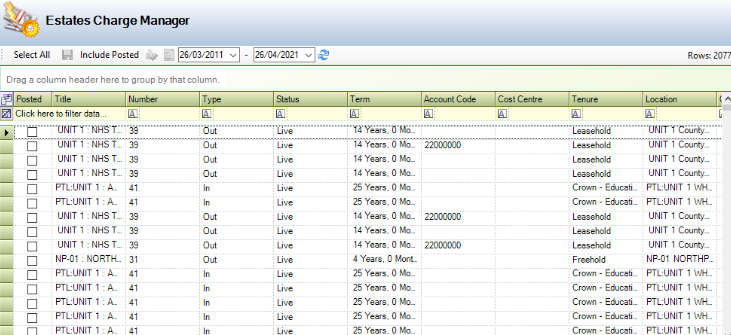
You can manage estates charges by navigating to Estates > Estates > Estates Charge Manager.
Screenshot 2024-03-27 20.54.35.png

Use Estates Charge Manager to:

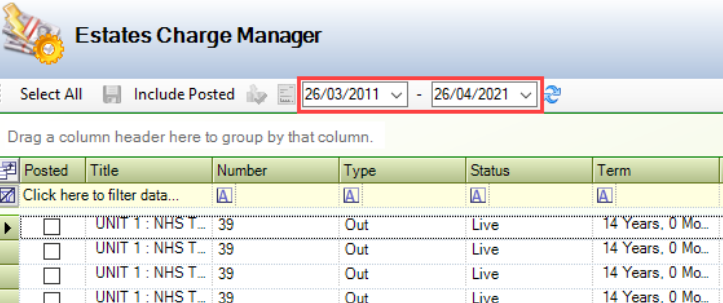
  • Use the date pickers to show charges in a specific date range.
Screenshot 2024-03-27 20.56.33.png

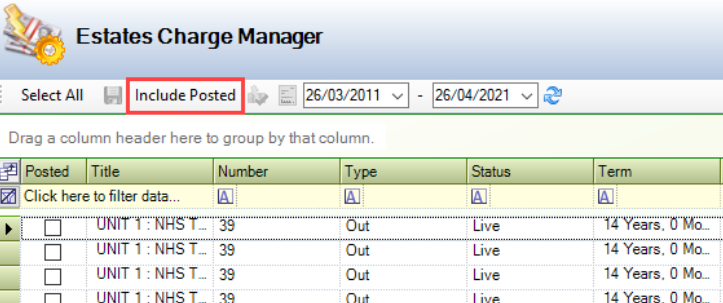
Use the Include Posted/Exclude Posted toggle to select whether to display charges that have already been posted.
Screenshot 2024-03-27 20.57.51.png

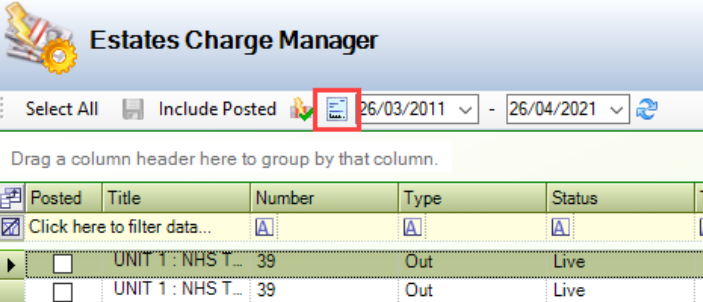
View a lease record by selecting it and then clicking the View the selected Lease button.
Screenshot 2024-03-27 20.59.35.png

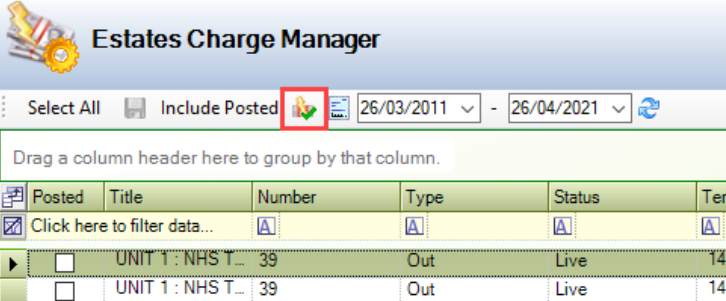
Post charges by selecting the relevant records and then clicking the Click to Post Charge button.
Screenshot 2024-03-27 21.01.17.png

Note: You can click the Select All/Deselect All toggle if required.

Generate Estate Charges

There is a Scheduled Task that will run overnight to generate charges, but this can also be run manually be the user by navigating to Estates > Estates > Generate Estates Charges. This checks all charges due within the period specified in the Generation Charge Period field on the General Tab in Financial Options (accessed by navigating to Tools > System Options and then clicking the Financial Options button).

If any charges specified in the schedule fall within the period specified, they will be visible against the lease party.