
The Operative Assignment screen is used to identify the most likely operative to undertake a job in a particular location with a particular trade.
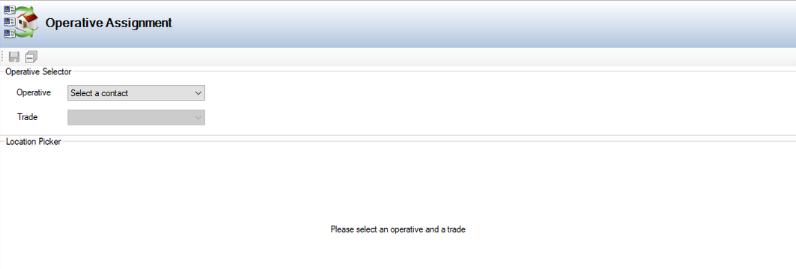
This is used to support the person allocating work to operatives. It can be accessed by navigating to Maintenance > Operative Assignment.
To assign operatives to locations:
-
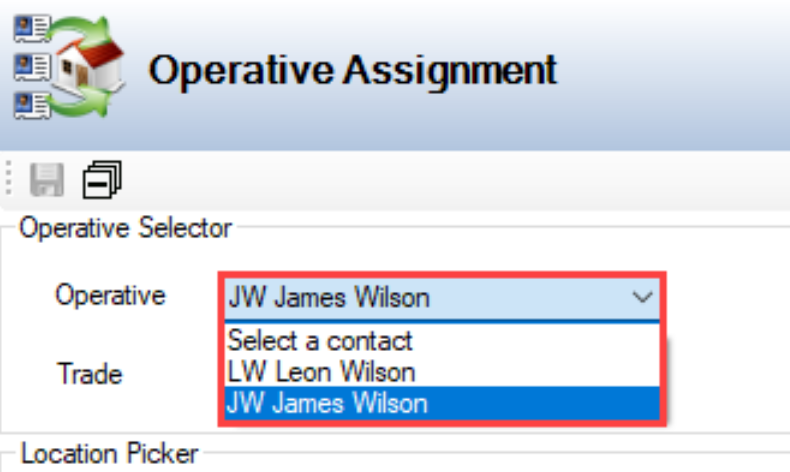
Select from the Operative drop-down list. This is populated with contacts.
-
Refer to Adding or Editing a Contact for further information.
-
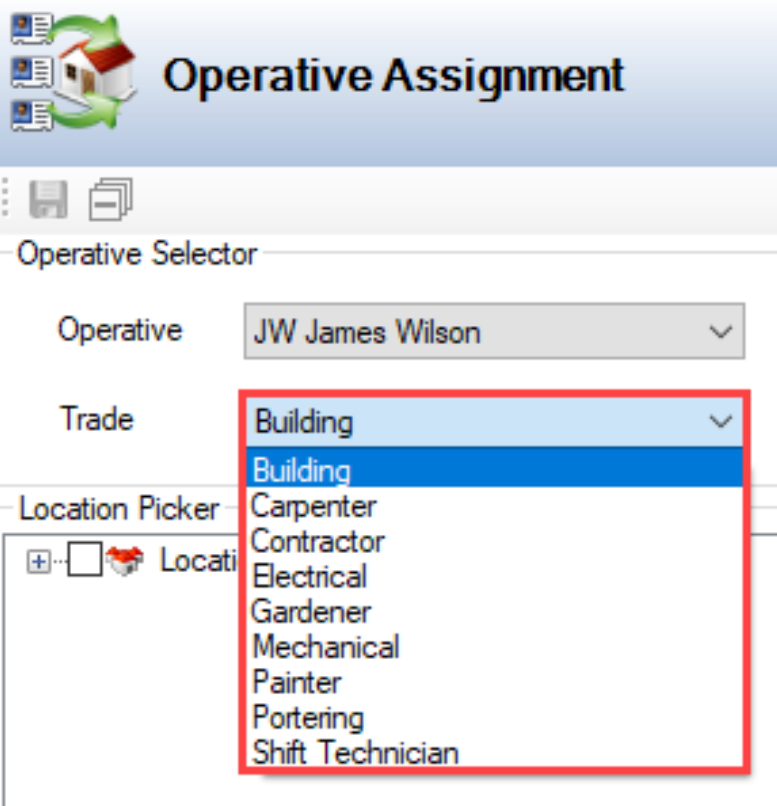
Select the relevant trade from the Trade drop-down list. This is populated by the trades assigned to the selected operator.
-
Refer to Assign Trades to a Contact for further information.
-
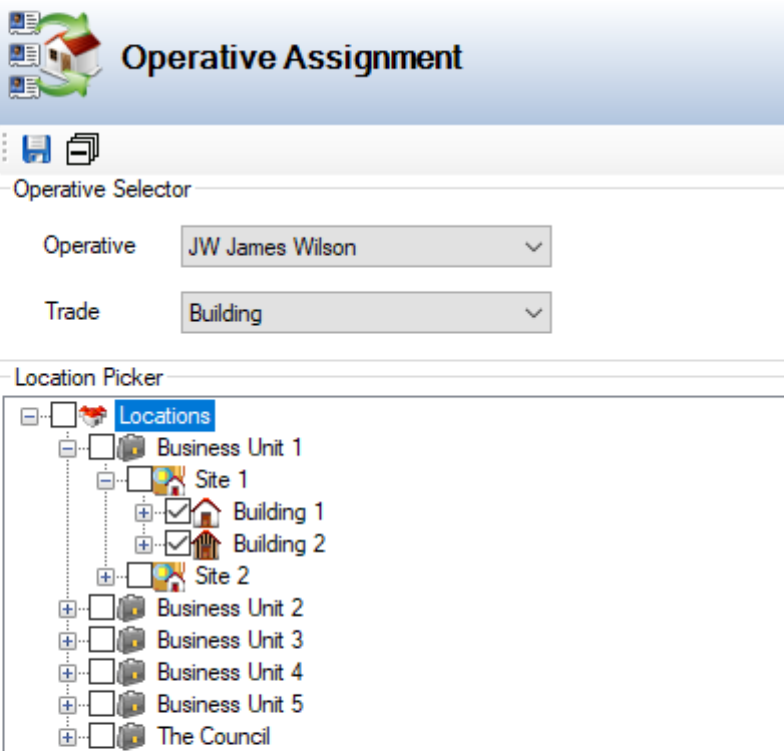
Select the relevant location(s) in the Location Picker section.
-
Click Save.