
You can use the Job Assignment Management screen to view operatives' job queues and re-order them if required. By default, all supervisors are displayed.
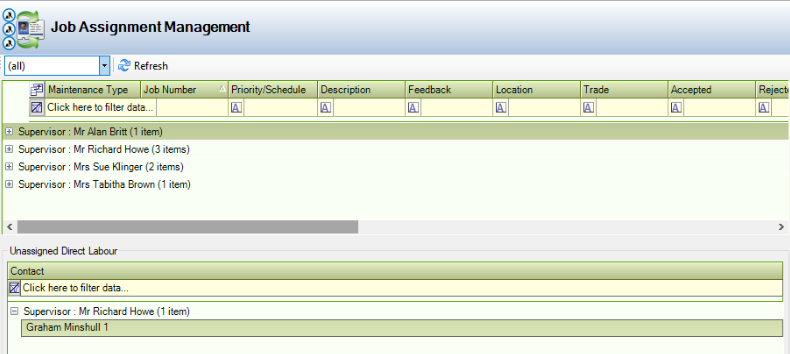
Use the Job Assignment Management screen to:
-
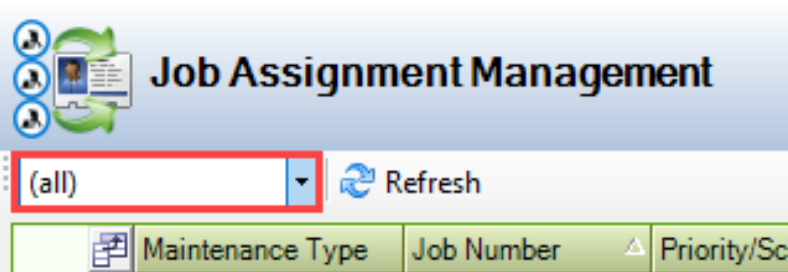
Filter the list of supervisors to a specific supervisor by selecting from the (all) drop-down.
-
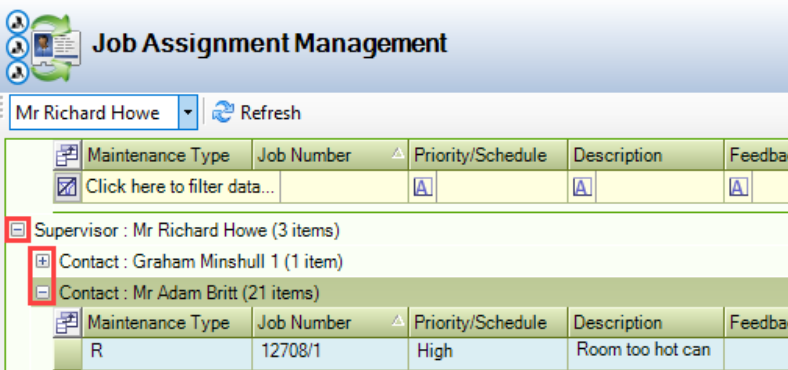
View the jobs assigned to operatives by expanding the tree.
-
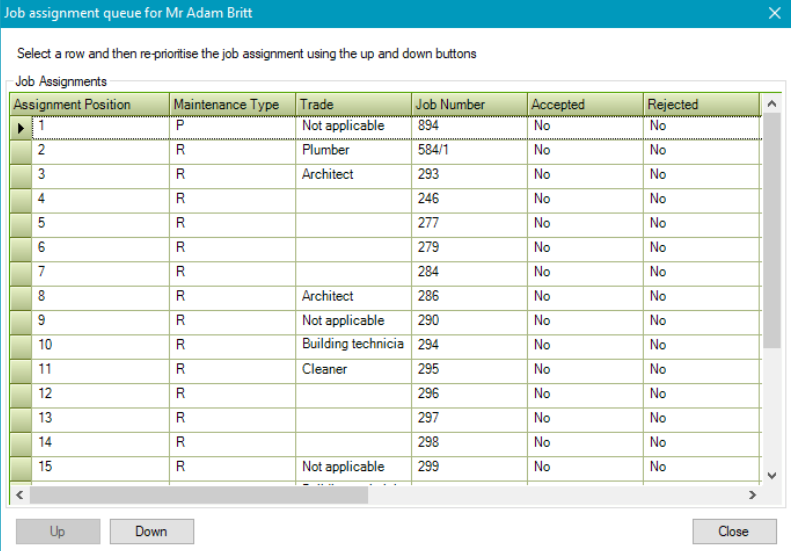
Double-click on any job assigned to view the Job assignment queue window.
-
Use the Up and Down buttons to re-order the job queue as required.
-
View the labour that has not been assigned in the Unassigned Direct Labour panel.
