
The Surveyor Workspace is common to several modules in K2 and allows data to be entered in a structured and logical way.
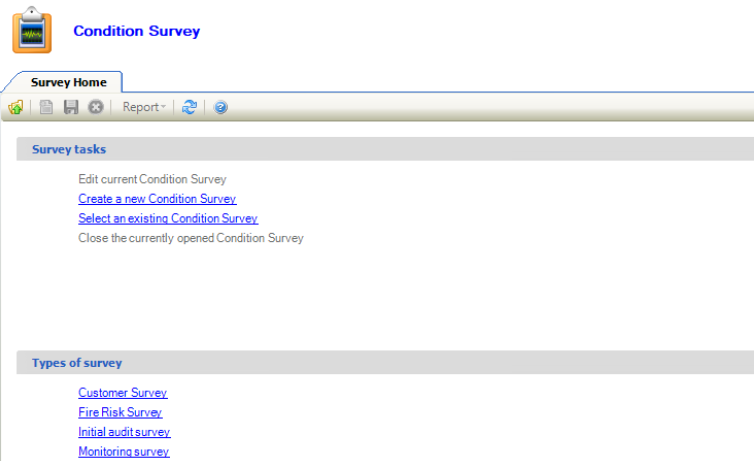
It can be accessed by navigating to Maintenance > Condition > Surveyor Workspace.
Select from the following to view information on using the surveyor workspace:
Using the Survey Home
The Survey Home is displayed on opening the surveyor workspace and allows you to do the following:
-
Carry out the following survey tasks:
-
Edit current Condition Survey - opens the currently selected survey tab
-
Create a new Condition Survey - add a condition survey record. Refer to Adding or Editing a Condition Survey for further information.
-
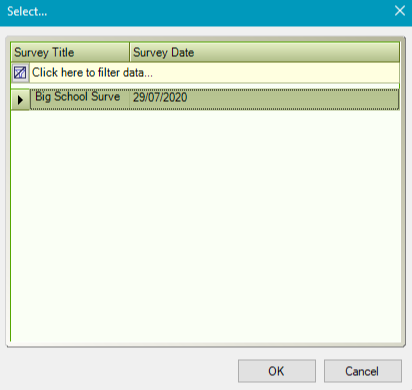
Select an existing Condition Survey - displays the Select window, where you can select from a list of existing surveys to open.
-
-
Close the currently opened Condition Survey - closes the currently open survey tab
-
Create a specified type of survey from the Types of Survey section. These are defined in the Survey Types Reference Data (accessed by navigating to Maintenance > Condition > Condition).
Using the Surveyor Workspace
If you selected an existing condition survey from the Survey Home, the Surveyor Workspace screen is displayed.
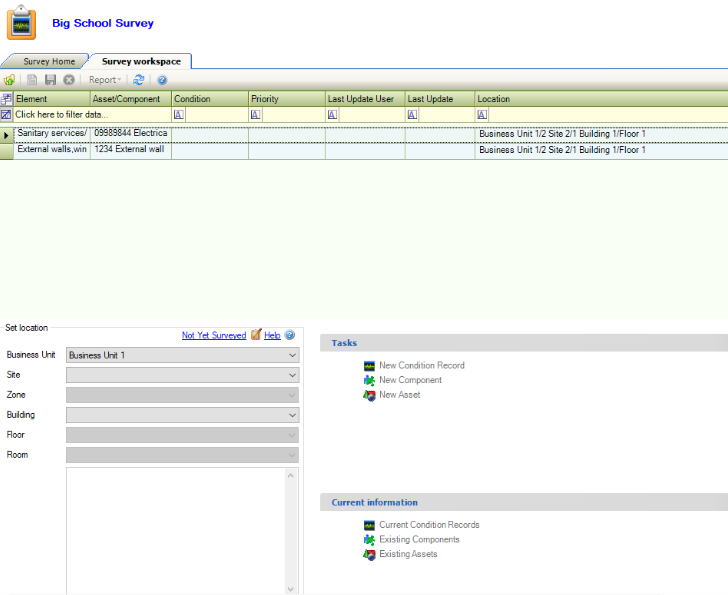
Use the Surveyor Workspace to do the following:
-
Select from the Set location drop-downs to display the items linked to that location.
-
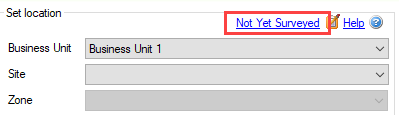
Edit the survey status of the location (that is: Surveyed, Unable to Survey, Not Yet Surveyed) by clicking the link in the top right-hand corner of the Set location section.
-
Add a condition record, component or asset to the selected location using the Tasks section.
-
View linked condition records, components and assets of the selected location using the Current information section.