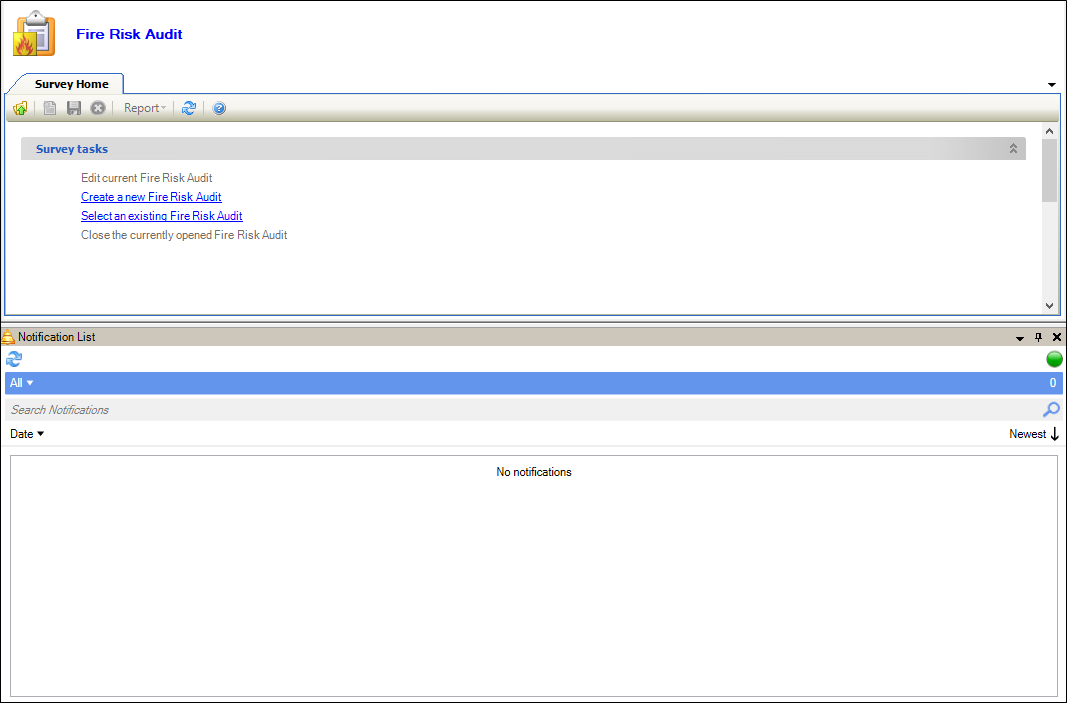
If you selected an existing condition survey from the Survey Home, the Surveyor Workspace screen is displayed.
Use the Surveyor Workspace to do the following:
-
Select from the Set location drop-downs to display the items linked to that location
-
Edit the survey status of the location (that is: Surveyed, Unable to survey, Not Yet Surveyed) by clicking the link in the top right-hand corner of the Set location section
-
Add a fire risk record, component or asset to the selected location using the Tasks section
-
View linked fire risk record, components and assets of the selected location using the Current information section
The Surveyor Workspace can also be used for the following modules: