
This section covers the configuration and usage of the K2 Portal software. It has been written predominantly for end users but also contains some guidance for K2 administrators.
Logging in and Out
To log in to the K2 Portal, enter your K2 Asset Management login credentials.
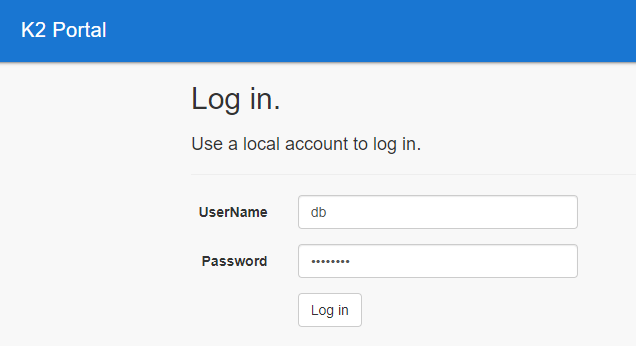
Entering incorrect details displays an error message.
To log out, click the icon in the top right-hand corner and click the Log Off button.
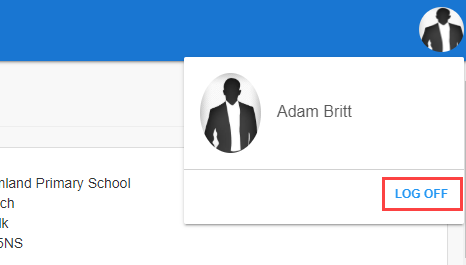
You may be logged out automatically after a period of inactivity.
When the automatic sign-on has been configured then the portal will log in without the need to enter details. This can be configured by K2 Administrators when the portal is installed.
Related Topics
Click the links below to navigate to the following related topics: