The Condition reference data window can be accessed by navigating to Maintenance > Condition > Condition.
You must have a role with the ConditionReferenceData permission to access this window.
Refer to Managing Reference Data for further information on using reference data screens.
The following reference data is available:
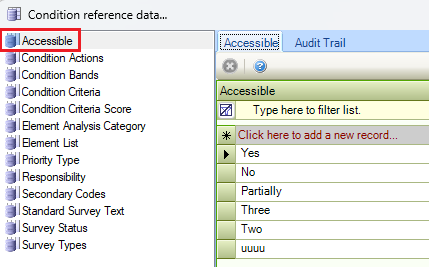
Accessible
Use this reference data to record any accessibility concerns or details that need to be considered when creating a condition record.
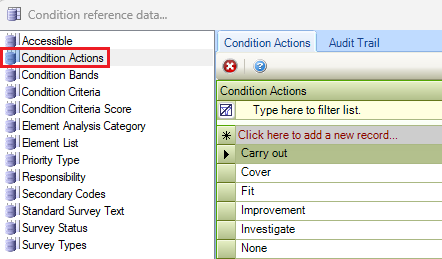
Condition Actions
Use this reference data to record possible actions required because of surveying an item and to assign costs for the life-cycle analysis model.
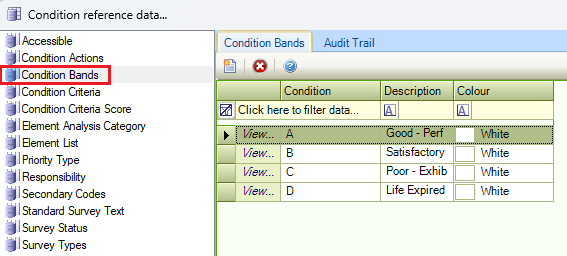
Condition Bands
Use this reference data to grade the existing condition of an item.
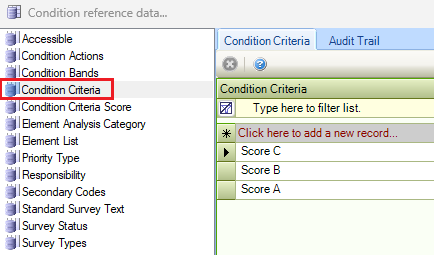
Condition Criteria
When recording a condition record, along with the Priority and Condition Band, a score can also be recorded. When recording the condition score, a default set of criteria must be set up to apply the scoring against the record. Once values are entered in this section of the reference data a value against the criteria can be set in the Condition Criteria Score reference data.
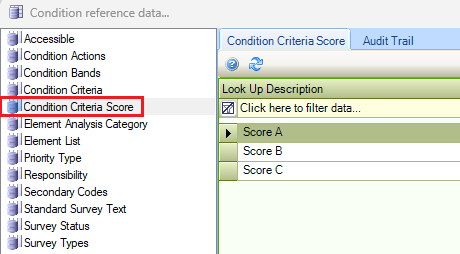
Condition Criteria Score
Use this reference data to assign scores to Condition Criteria reference data records. The grid is automatically populated with these records.
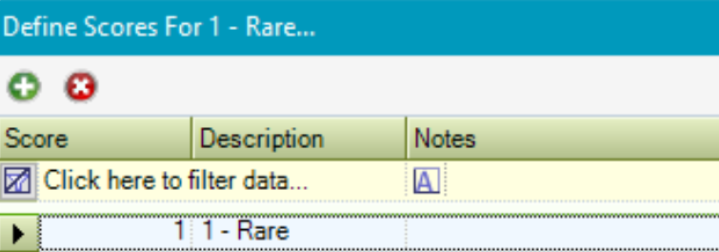
Double-click a record that displays the Define Scores for <Condition criterion> window, where you can add scores to the selected criterion.
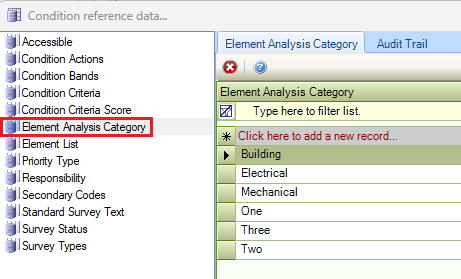
Element Analysis Categry
Use this reference data to define elements for condition surveys.
Element List
Use this reference data to define element list tasks, either an Element Category (for example Portering) or a Child Element within the Element Category (for example: Attend call).
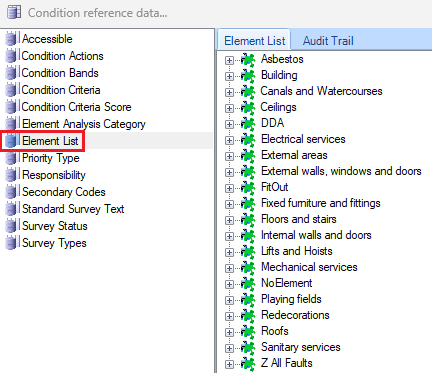
For further information, refer to Element List.
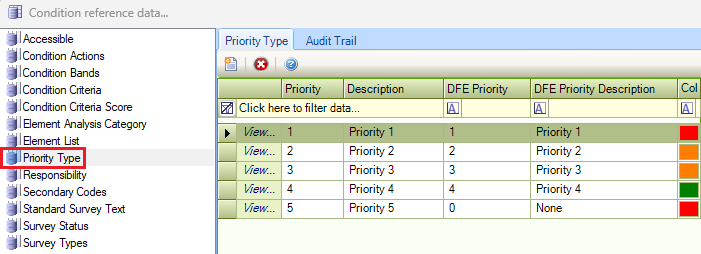
Priority Type
Use this reference data to define prioritisations for the assessed condition of an item. The priority indicates the seriousness of the item's condition and reflects any possible breaches in legislation.
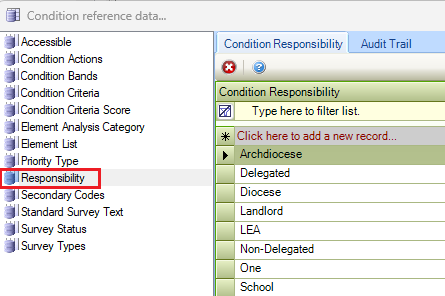
Responsibility
Use this reference data to record who is responsible for the condition of the surveyed item (for example: Landlord, Tenant, and so on).
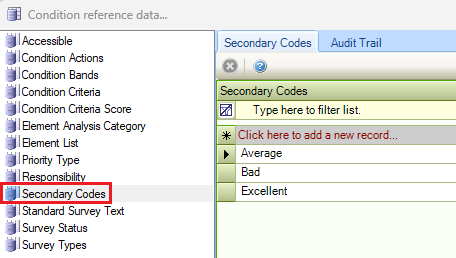
Secondary Codes
Use this reference data to prioritise the condition of an item within a condition band.
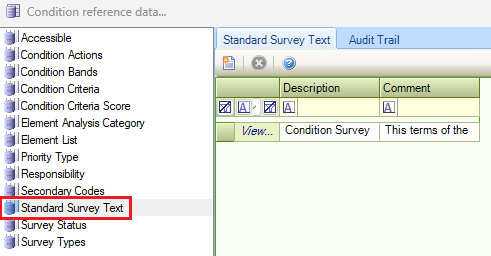
Standard Survey Text
Use this reference data to record standard text that can be written and inserted into a survey record.
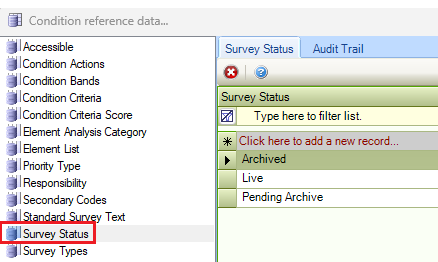
Survey Status
Use this reference data to record the current status of a condition survey.
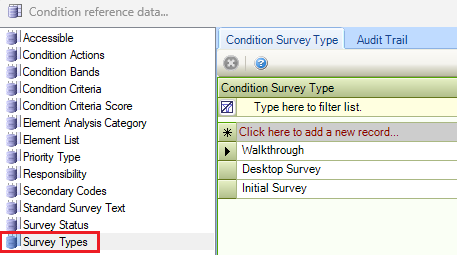
Survey Types
Use this reference data to record the types of surveys being carried out.