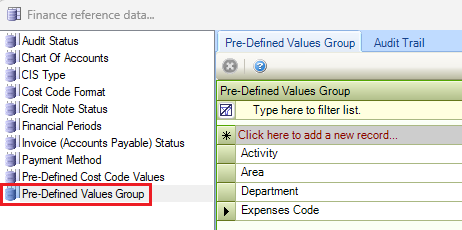
The Finance reference data window can be accessed by navigating to Finance > Finance.
You must have a role with the FinancialReferenceData permission to access this window.
Refer to Managing Reference Data for further information on using reference data screens.
The following reference data is available:
Audit Status
Use this reference data to define the audit outcomes that can be assigned to invoices during the audit and authorisation process.
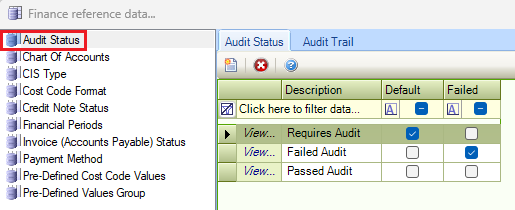
Chart of Accounts
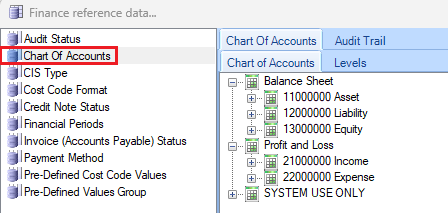
Use this reference data to define account codes, which typically represent the type of spend for a financial transaction (for example: reactive repairs, legal fees, demolition costs, and so on).
CIS Type
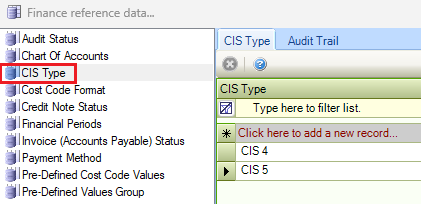
Use this reference data to define Construction Industry Scheme types.
Cost Code Format
Use this reference data to define the cost code formats.
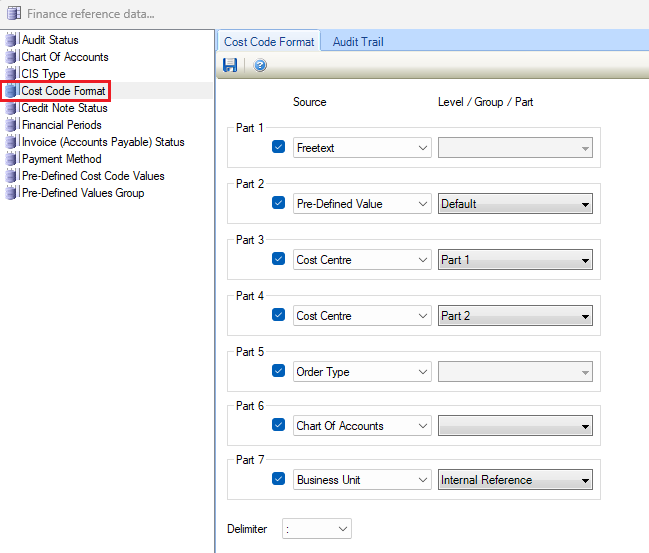
A cost code is the full code recorded against a transaction. It typically includes a cost centre and account code, but can also include other elements such as a property code or free text.
This may be of particular use if the reactive commitment budgeting data is to be synchronised between K2 and a finance system, to ensure that K2 has the code formats required.
How a cost code is built
A cost code can contain up to seven parts. The parts are always combined in the same order: Part One, Part Two, and so on. Each part can be switched on and configured with a source, or switched off and skipped.
The source for each part can be:
-
Free Text – text entered when the cost code is created.
-
Cost Centre – the cost centre code.
-
Chart of Accounts – the account code at the selected level.
-
Pre-Defined Value – a value selected from a named pick list.
-
Order Type – the type of order.
-
Business Unit – the business unit's internal reference.
The fields on the Cost Code Format window are described in the following table:
|
This field… |
Holds this information... |
|---|---|
|
Part One to Part Seven |
Up to seven parts can be configured. Each part can be enabled or disabled and assigned a source. |
|
Source |
Determines where the value for the part comes from. |
|
Level/Group/Part |
Determines which Level/Group/Part is used. |
|
Delimiter |
The character used to separate each enabled part of the cost code. For example, if Cost Centre and Chart of Accounts are enabled and the delimiter is a hyphen, the resulting cost code could be 100-4200 . |
Important: Once cost codes are in use, do not change the Cost Code Format without first seeking advice from Tribal. Changes to the format may affect existing cost codes and financial data.
Credit Note Status
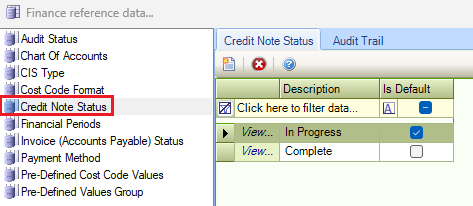
Use this reference data to define the statuses of credit notes (for example: In Progress, Complete, and so on).
Financial Periods
Use this reference data to define a financial period within a financial year (for example: a month or a quarter within a financial year).
Changes made to Financial Periods reference data will affect all modules using this reference data.
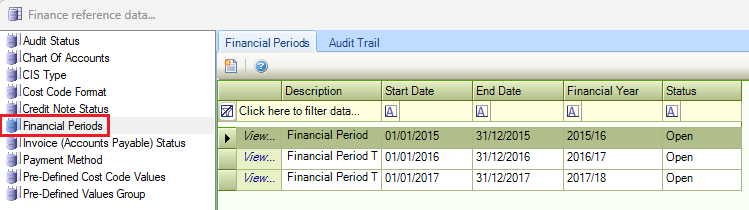
The fields on the Financial Period window are described in the following table:
|
This field… |
Holds this information... |
|---|---|
|
Description |
A unique description of the financial period. This field is mandatory. |
|
Financial Year |
The financial year. These can be defined in Financial Years Reference Data (accessed by navigating to Functions > Core > Reference Data > Core). |
|
Start Date |
The start date of the financial period. |
|
End Date |
The end date of the financial period. |
|
Status |
The status of the financial period, whether it is open or archived. If archived, it cannot be selected in K2. Select from the drop-down list. |
Invoice (Accounts Payable) Status
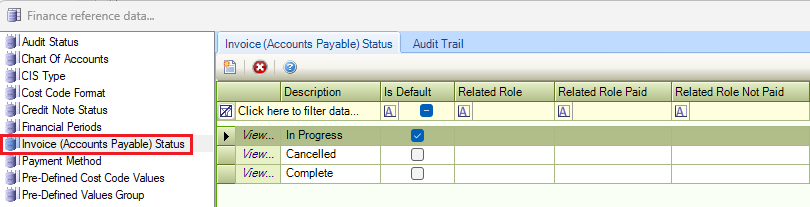
Use this reference data to define the status of invoices for accounts payable.
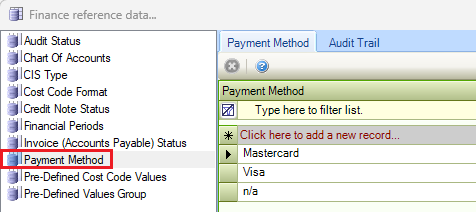
Payment Method
Use this reference data to define methods of payment (for example: Visa, Mastercard, and so on).
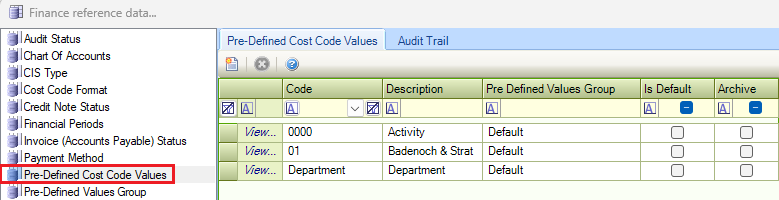
Pre-Defined Cost Code Values
Use this reference data to record predefined cost code structures to manage and organise the amounts, quantities, budgets, and other account information associated with jobs, orders, and invoices in K2. Cost codes establish the link between your projects, jobs, tasks, and their related accounts.
Pre-Defined Values Group
Use this reference data to group cost codes for reporting purposes, to view the spend on a particular code group.