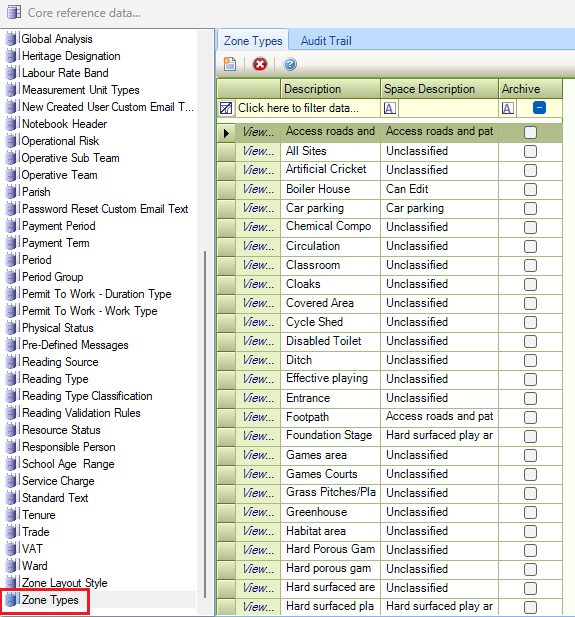
The Core reference data window can be accessed by navigating to Functions > Core > Reference Data > Core.
Refer to Managing Reference Data for further information on using reference data screens.
The following reference data is available:
Action Plan Priorities
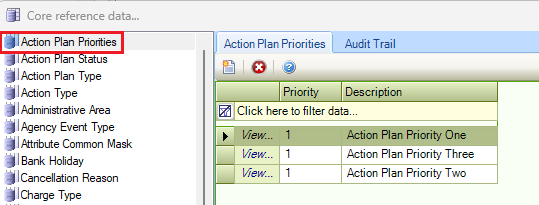
Use this reference data to define the priorities (for example: Priority 1 for the most important, then Priority 2, Priority 3, and so on) of work required for action plans.
Action Plan Status
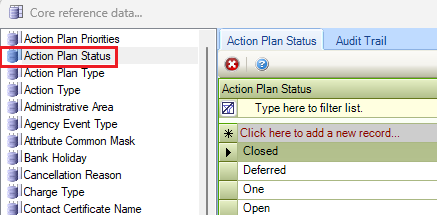
Use this reference data to define the current status of an action plan (for example: Closed, In progress, Deferred).
Action Plan Type
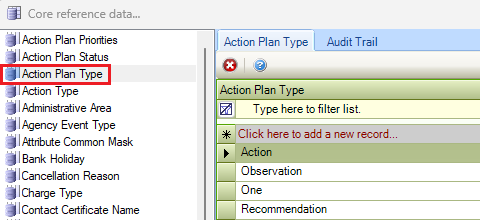
Use this reference data to define types of action plans (for example: Action, Observation and Recommendation).
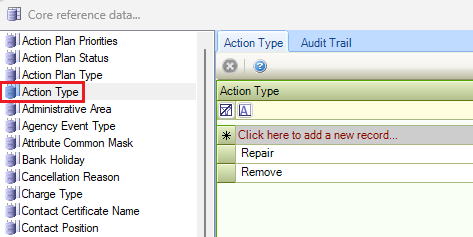
Action Type
Use this reference data to define action types (for example: repair, decontaminate and so on).
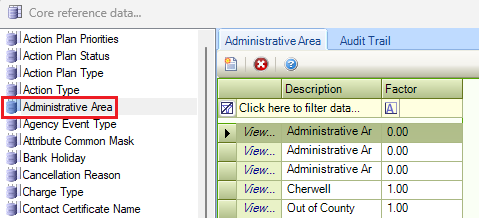
Administrative Area
Use this reference data to define administrative areas.
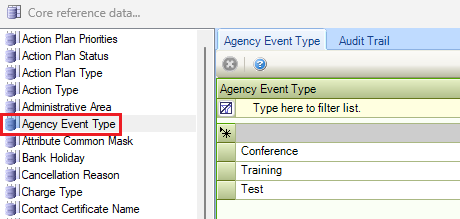
Agency Event Type
Use this reference data to define types of agency events.
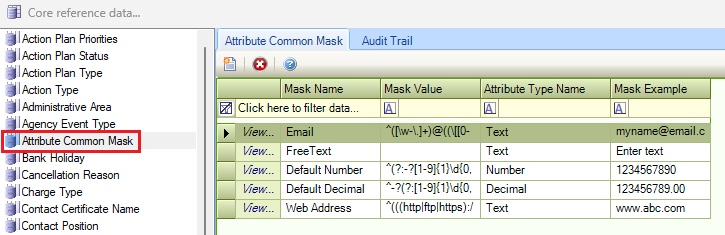
Attribute Common Mask
Use this reference data to define masks for attributes to force the formatting of a number or string.
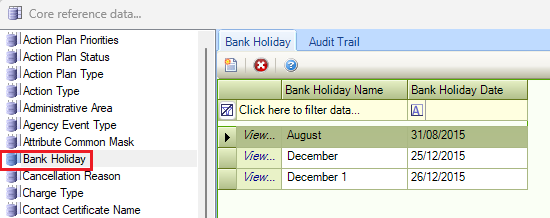
Bank Holiday
Use this reference data to record bank holidays.
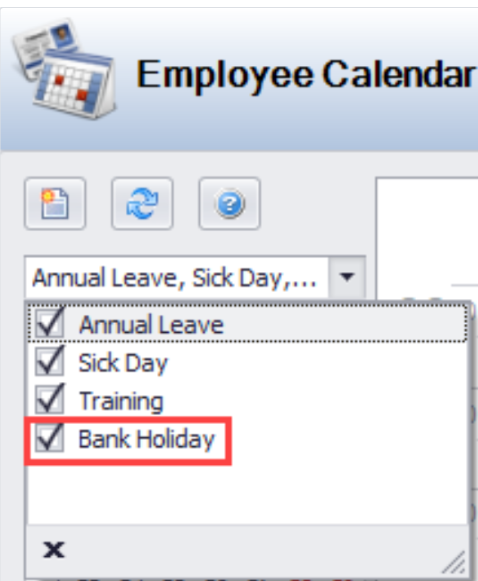
These are displayed in the Employee Calendar (provided the Bank Holiday check box is selected in the top drop-down list).
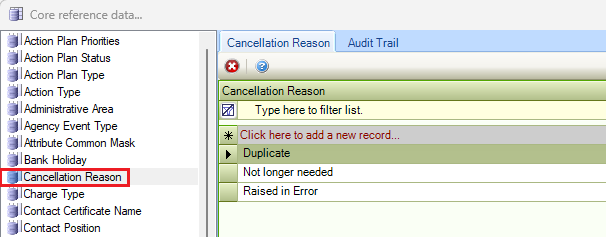
Cancellation Reason
Use this reference data to define reasons for cancelling a request.
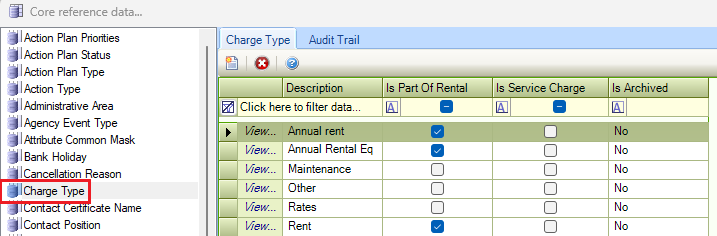
Charge Type
Use this reference data to define charge types (for example: parking, security, catering and so on).
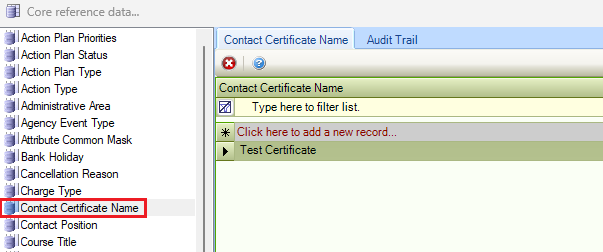
Contact Certificate Name
Use this reference data to record names of certificates that can be recorded against contacts (for example: diploma, HNC and so on).
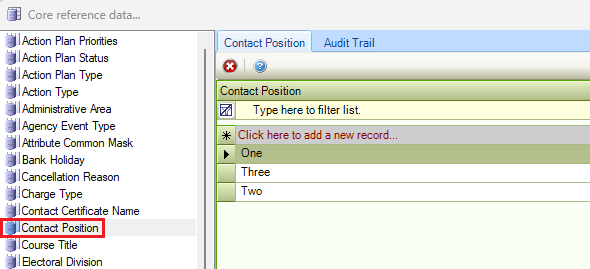
Contact Position
Use this reference data to define contact job positions (for example: director, foreman, manager and so on).
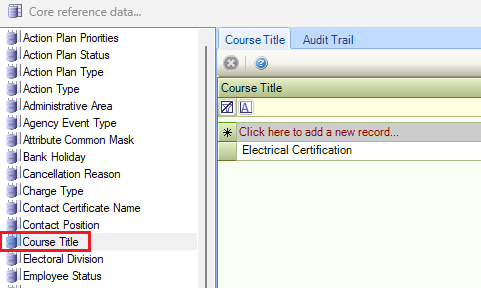
Course Title
Use this reference data to define courses that staff have undertaken.
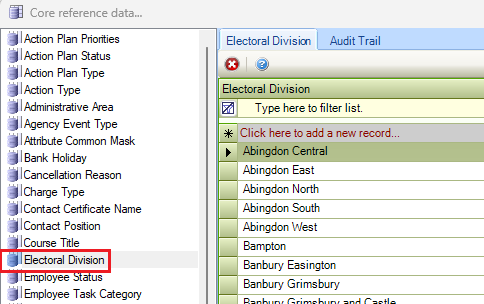
Electoral Division
Use this reference data to define electoral divisions.
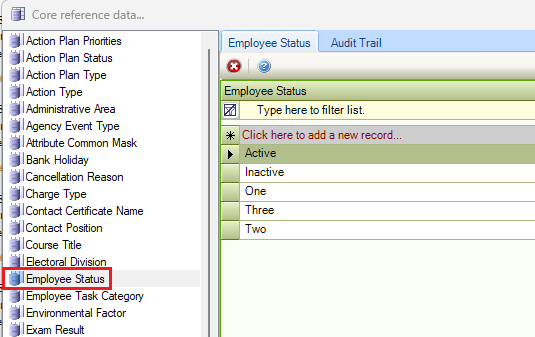
Employee Status
Use this reference data to specify employee statuses (for example: fixed-term contractor, full-time, part-time and so on).
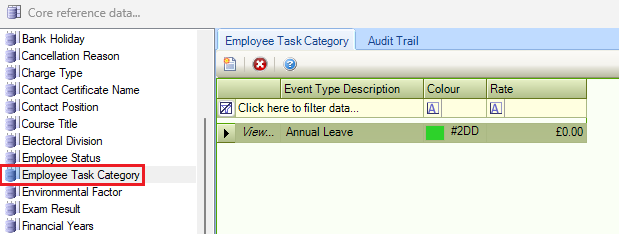
Employee Task Category
Use this reference data to define categories of employee tasks (for example: Annual Leave, Sick Days, and Training Days). This is used when adding an event to the Employee Calendar.
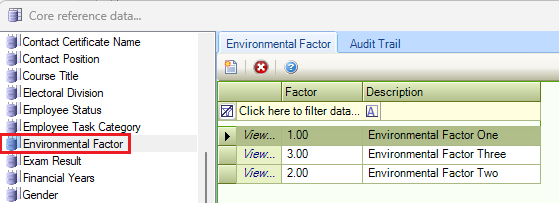
Environmental Factor
Use this reference data to define environmental factors, which are recorded on the Site Editor and record things such as pH, temperature, dissolved oxygen, salinity and so on.
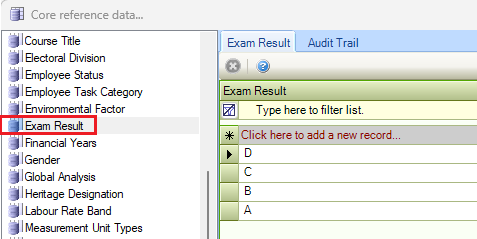
Exam Result
Use this reference data to record exam result grades.
Financial Years
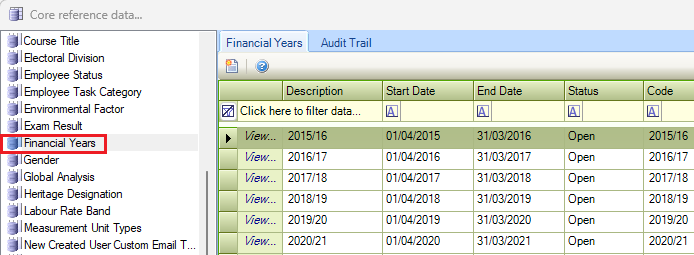
Use this reference data to define financial years, which are used in various areas in K2. These must be consecutive and the start and end dates cannot overlap.
Changes made to Financial Years reference data will affect all modules using this reference data.
The fields in Financial Year reference data are described in the following table:
|
This field… |
Holds this information... |
|---|---|
|
Description |
The description of the financial year. This field is mandatory. |
|
Start Date |
The start date of the financial year. Select the day, month and year. |
|
End Date |
The end date of the financial year. Select the day, month and year. |
|
Status |
The status of the financial year, whether it is open or archived. If this is set to 'Archive', it cannot be selected in K2. Select from the drop-down list. |
|
Code |
The code associated with the financial year. |
Gender
Use this reference data to define genders to be used for contacts.
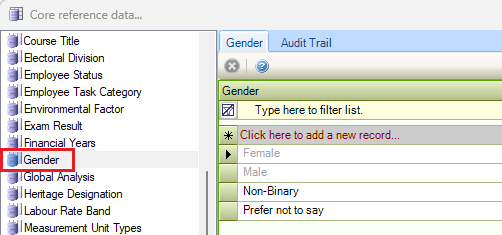
Female and Male are system generated and cannot be deleted.
Global Analysis
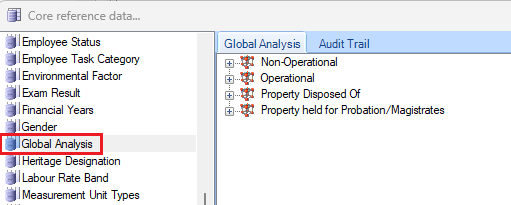
Global analysis can be linked to Buildings and Sites. It is a reporting option that allows you to create a hierarchy and then link in buildings and sites based on the type of building or site service delivery. It allows you to report on the number of warehouses, land used for car parking, and so on.
-
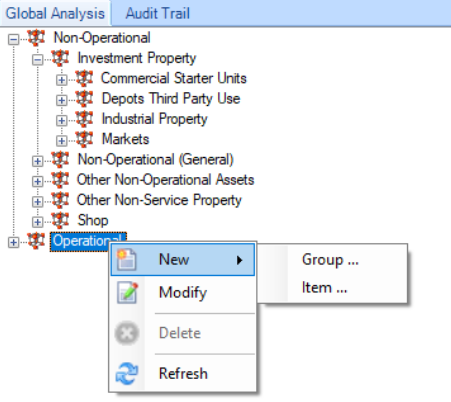
Right-click on an item or in a blank space to add, remove or edit items in the hierarchy.
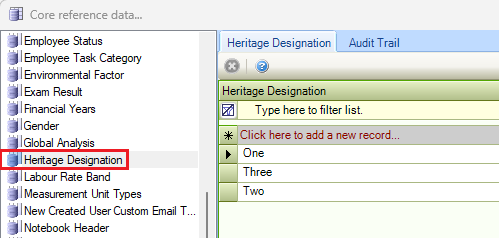
Heritage Designation
Use this reference data to define heritage designations for sites (for example: World Heritage Site, Scheduled Monuments, Listed Buildings and so on).
Labour Rate Band
Use this reference data to define labour rate bands (for example: for standard labour, overtime and so on).
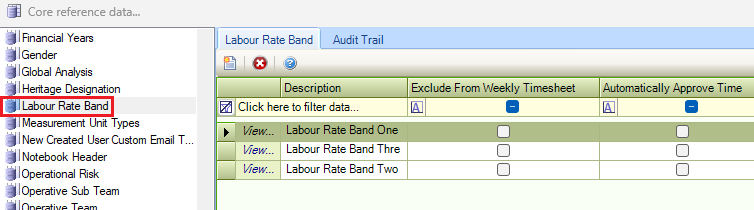
Select the Exclude from Weekly Timesheet check box if tasks delivered during the time band should be excluded from the operatives' weekly timesheet.
Select the Automatically Approve Time check box if tasks completed during this time band should automatically be approved without the supervisor having to approve the time.
Selecting this option overrides the Time Approval Threshold system setting.
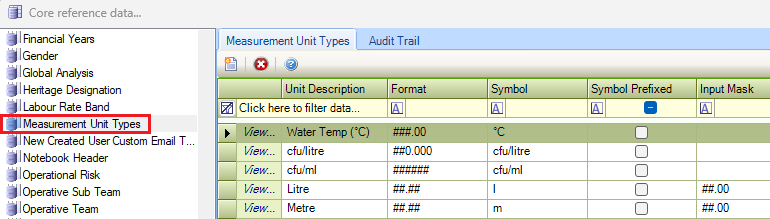
Measurement Unit Types
Use this reference data to define measurement unit types (for example: foot, metre, kilometre, and so on).
New Created User Custom Email Text
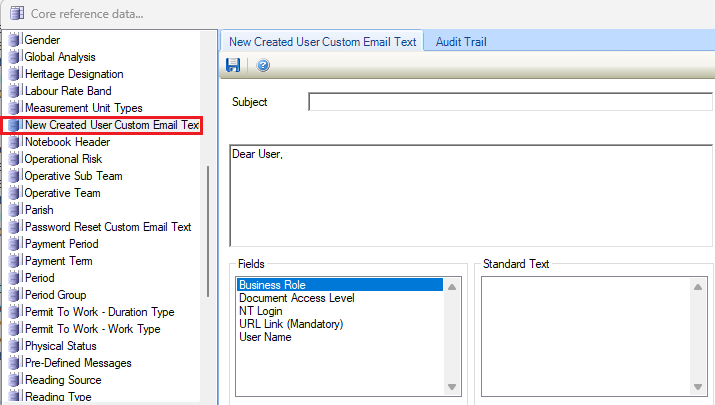
Use this reference data to specify email text to be sent to new users.
-
Click and drag the fields from the Fields section into the Subject and Content fields to personalise the email.
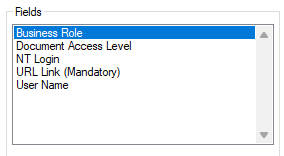
The URL Link field must be included.
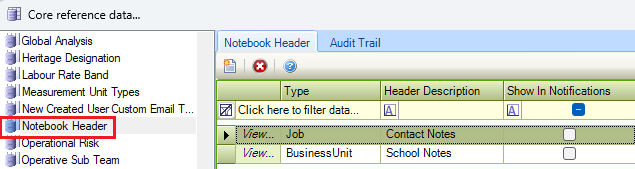
Note Book Header
Use this reference data to specify headers for notebook entries.
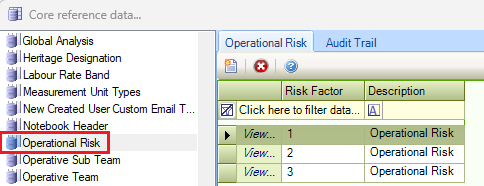
Operational Risk
Use this reference data to define the risks if a building is not operational and the impact if the property is closed for any reason (for example: if a school is closed, it has significant operational risk to a local authority both politically and reputationally).
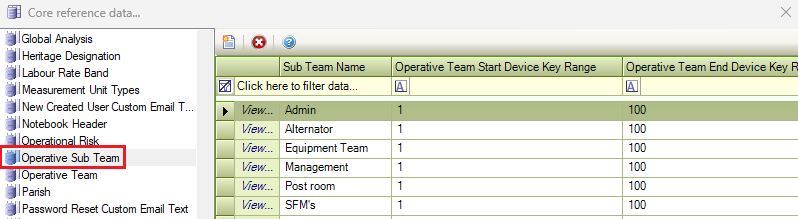
Operative Sub Team
Use this reference data to define the sub-teams that staff members work in. These must be linked to an Operative Team.
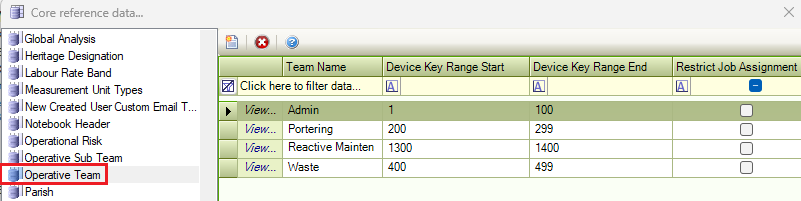
Operative Team
Use this reference data to define operative teams.
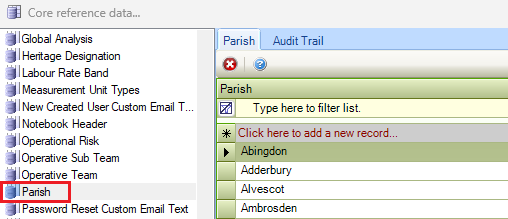
Parish
Use this reference data to define parishes.
Password Reset Custom Email Text
Use this reference data to define the text for password reset emails.
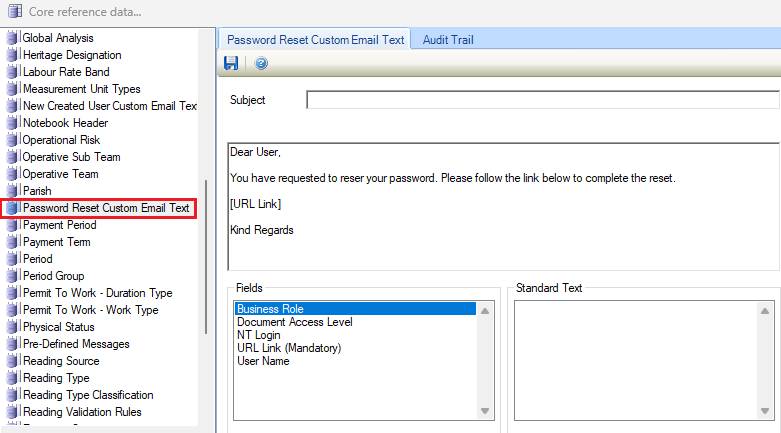
-
Click and drag the fields from the Fields section into the Subject and Content fields to personalise the email.
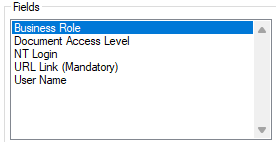
The URL Link field must be included.
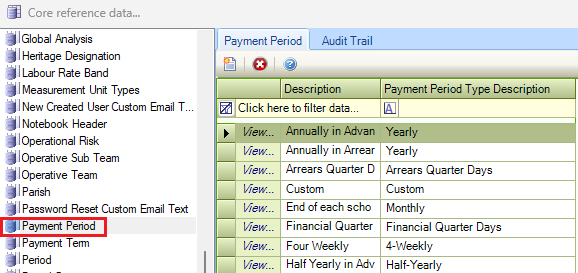
Payment Period
Use this reference data to define payment periods (for example: monthly, quarterly, yearly and so on).
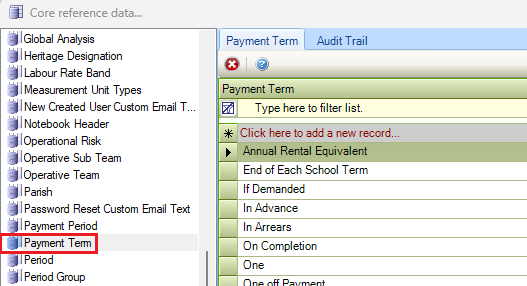
Payment Term
Use this reference data to define payment terms (for example: In Advance, In Arrears, On Completion).
Period
Use this reference data to define periods, which are used in various parts of K2.
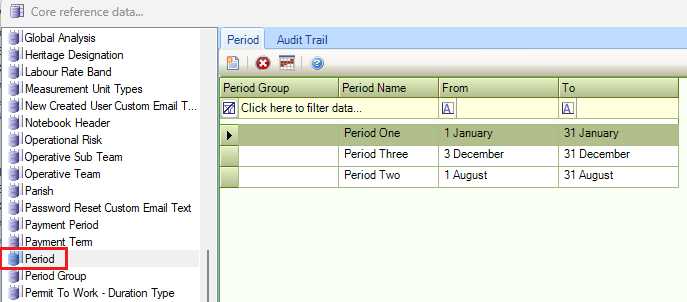
You can define the following period types:
-
Cyclical Period – a period (for example: a season) that occurs every year on the same dates.
Cyclical Periods do not link to a Period Group.
-
Annual Period – a single period that may span multiple years.
Multiple annual periods can be created within a Period Group.
-
Click the Assign Period to Business Unit button to display the Link Period to Business Unit(s) window.
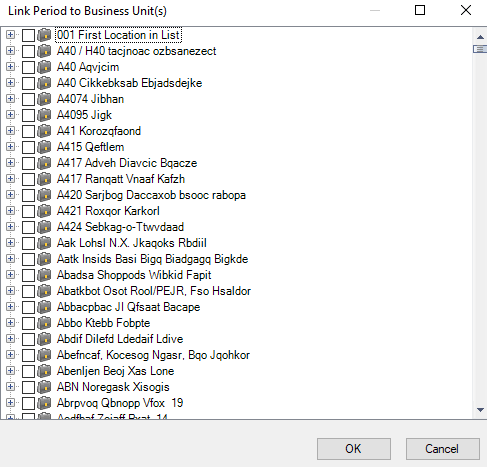
This allows you to link a period (for example: summer) to a property so that you can link a PPM Schedule to the property and period (for example: only cut the grass in the summer).
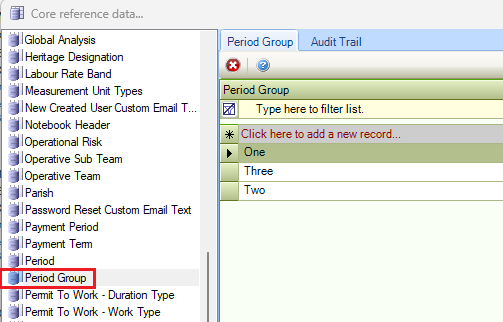
Period Group
Use this reference data to define groups for periods that are used for particular modules, since periods are used in various parts of K2.
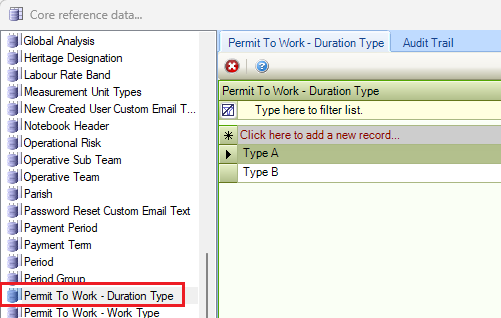
Permit To Work - Duration Type
Use this reference data to define the duration that work permits apply for.
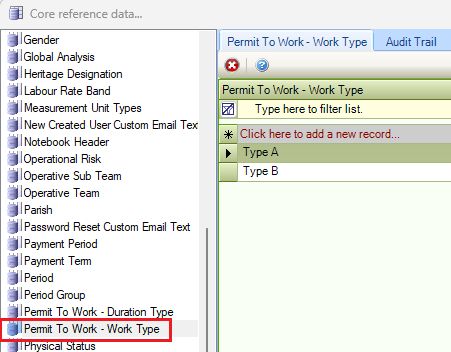
Permit to Work - Work Type
Use this reference data to define the types of work that the worker has a permit for.
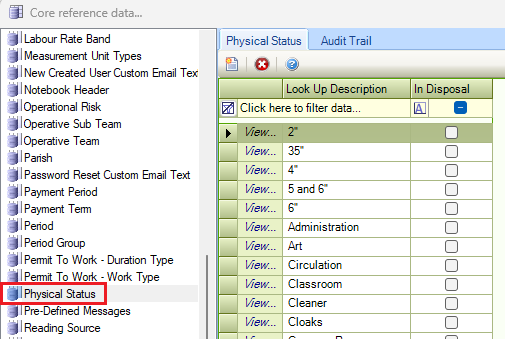
Physical Status
Use this reference data to define the physical status of entities (for example: In Use, In Disposal Process, and so on).
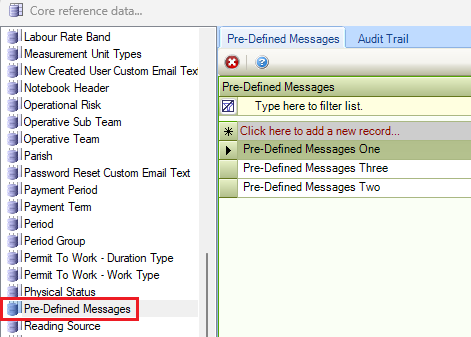
Pre-Defined Messages
Use this reference data to manage pre-defined text messages to send to a radio operative.
This is only applicable if radio integration is enabled.
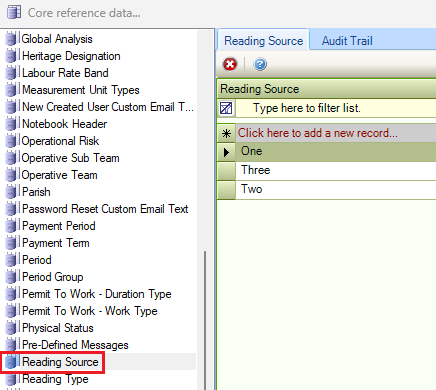
Reading Source
Use this reference data to define the source of a reading (for example: a gas meter).
Reading Type
Use this reference data to define reading types.
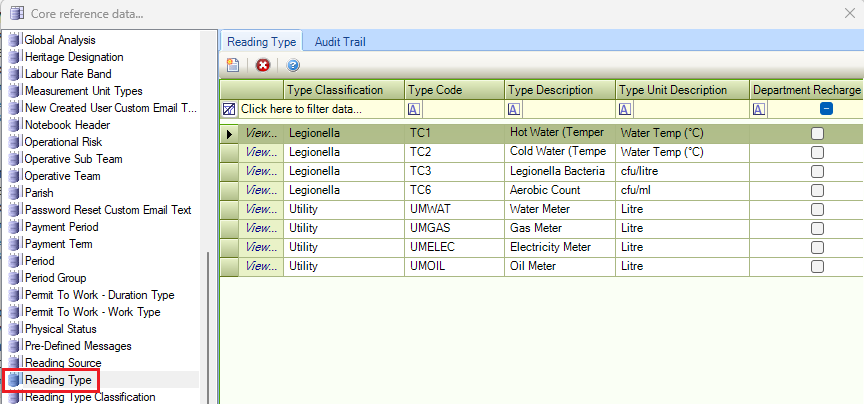
The Reading Type reference data fields are described in the following table:
|
This field… |
Holds this information... |
|---|---|
|
Type Classification |
The type classification. These are defined in the Reading Type Classification reference data. |
|
Type Code |
A code for the reading type. |
|
Type Description |
A description of the reading type. |
|
Type Unit Description |
The units that the reading was measured in (for example: litres). |
|
Department Recharge |
Whether to allow certain running costs to be recharged to departments that occupy a building. |
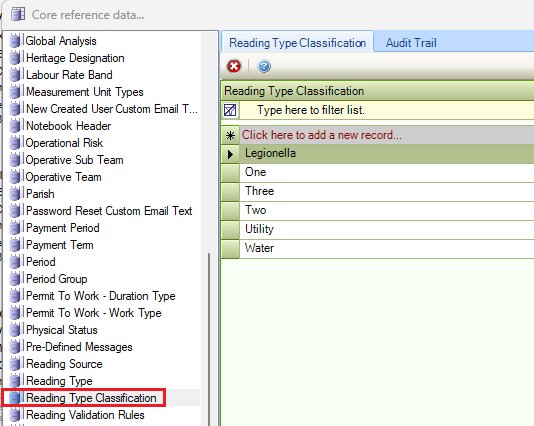
Reading Type Classification
Use this reference data to define reading type classifications (for example: water, gas, electricity and so on).
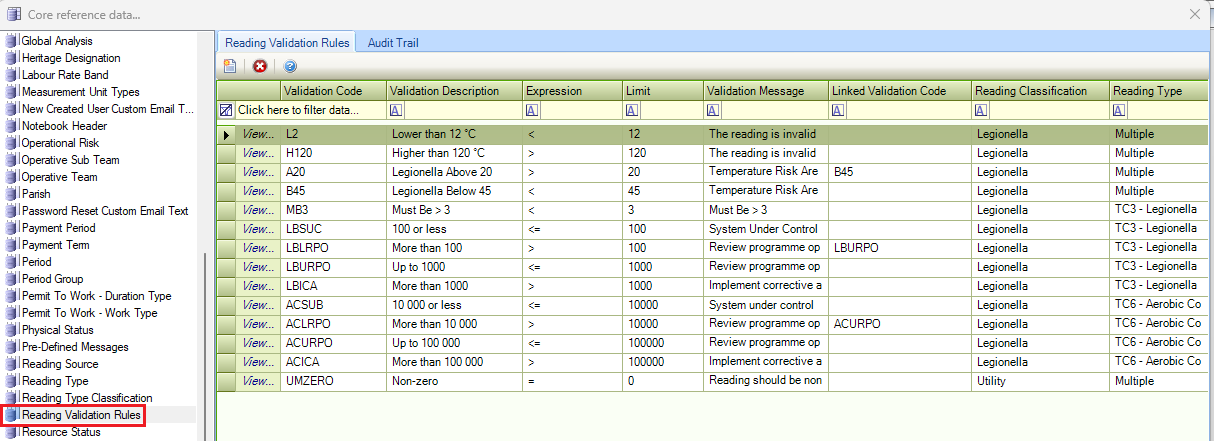
Reading Validation Rules
Use this reference data to create validation rules for readings.
Resource Status
Use this reference data to define the current status of a direct labour operative.
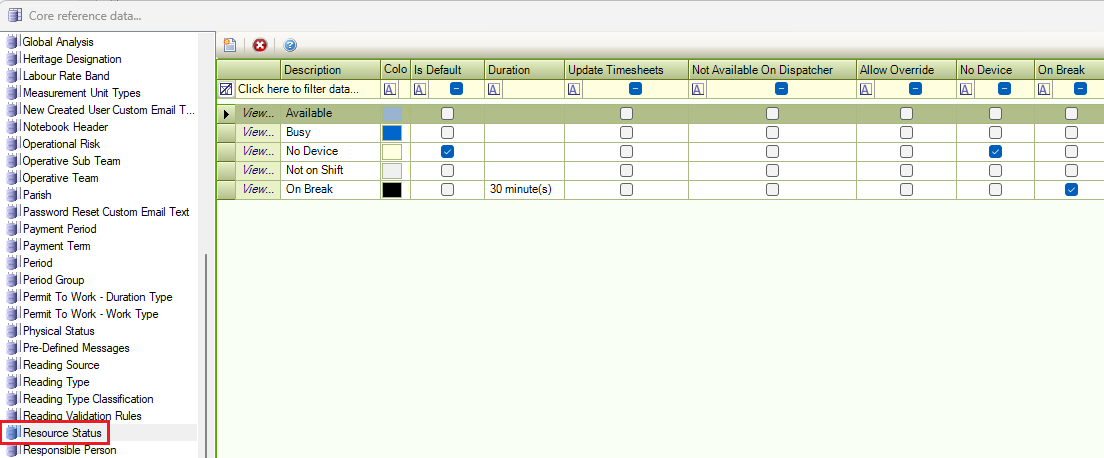
This is only used in conjunction with dispatches.
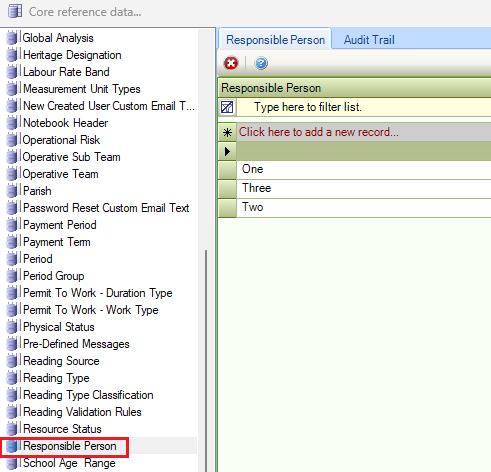
Responsible Person
Use this reference data to define people responsible for various entities.
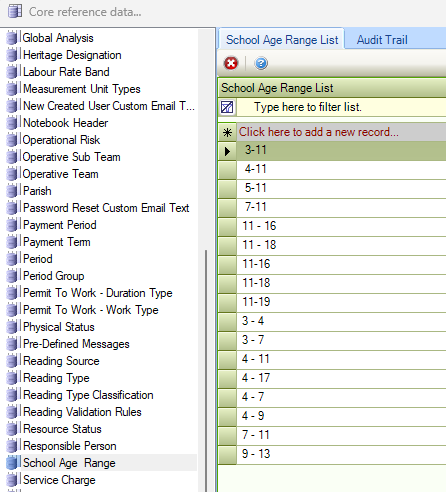
School Age Range
Use this reference data to define school age ranges (for example: 3-6, 16-18 and so on).
To add a new School Age Range List, enter text into the * field.
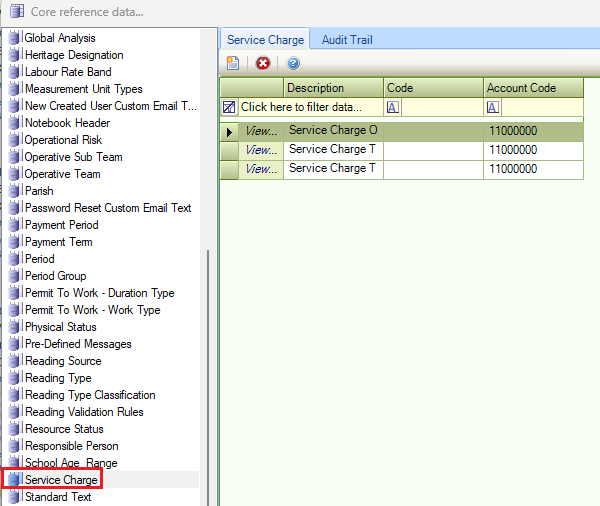
Service Charge
Use this reference data to define the service charges. This is used for business units that have parent units.
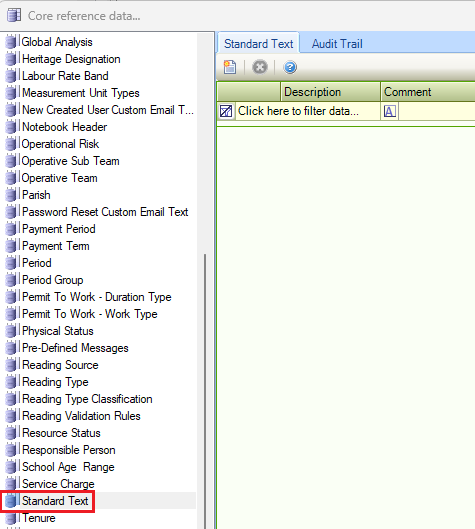
Standard Text
Use this reference data to write any frequently used text (for example: corporate footers). These can be used in emails.
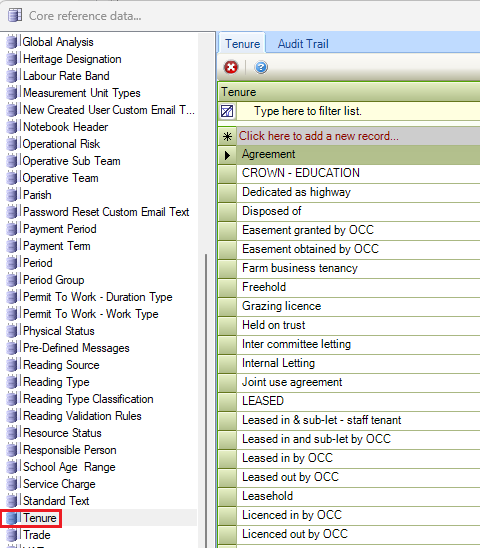
Tenure
Use this reference data to set the tenure of a building (for example freehold, leasehold).
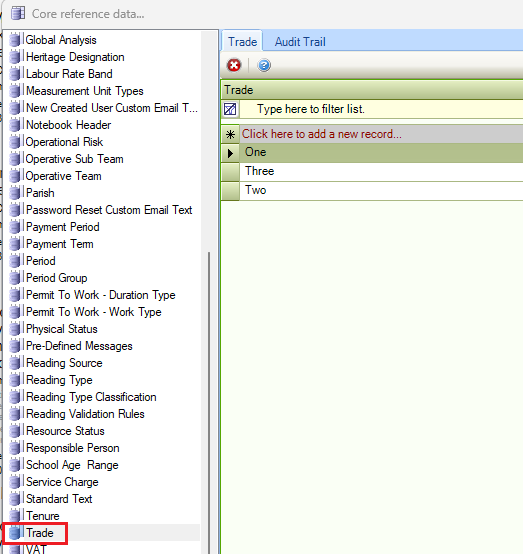
Trade
Use this reference data to define trade types (for example: builders, carpenters, electricians, and so on).
To add a new trade, enter text into the * Click here to add a new record… field.
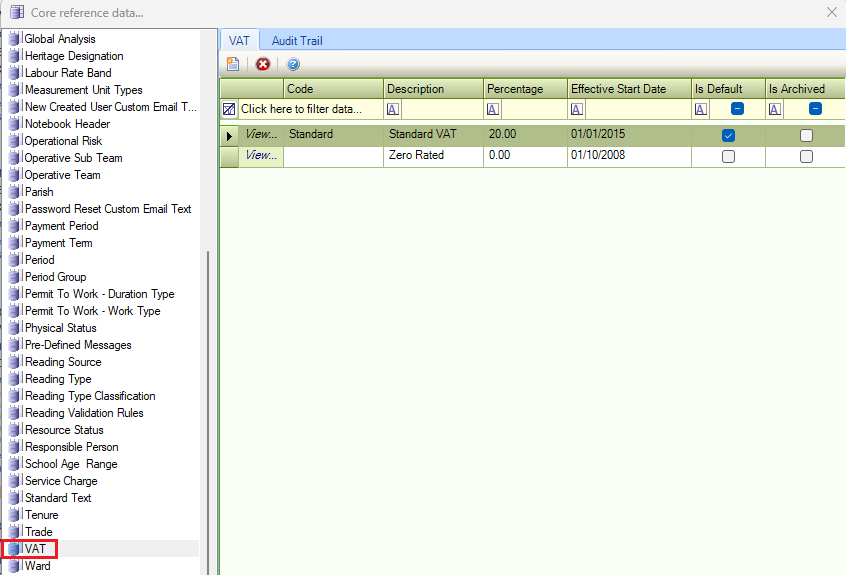
VAT
Use this reference data to define VAT rates.
Ward
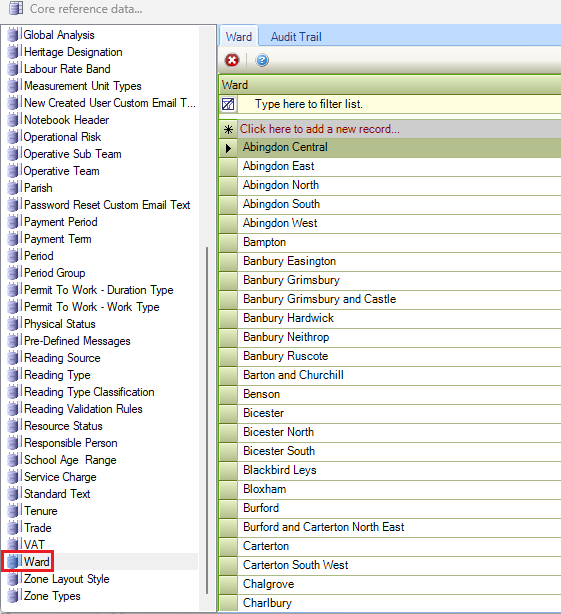
Use this reference data to define wards.
To add a new ward, enter text into the * Click here to add a new record… field.
Zone Layout Style
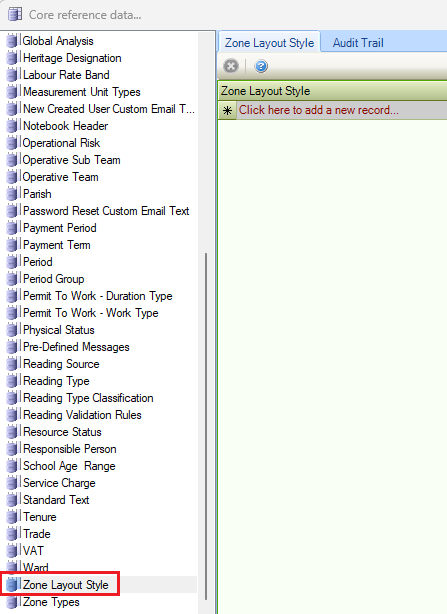
Use this reference data to define various layouts or configurations for different events (for example: for a wedding, a zone may be a 100-person venue, but 150 people can use it as an outdoor theatre).
To add a new Zone Layout Style, enter text into the * Click here to add a new record… field.
Zone Types
Use this reference data to define types of zones (for example: car parks, grass pitches, and so on).