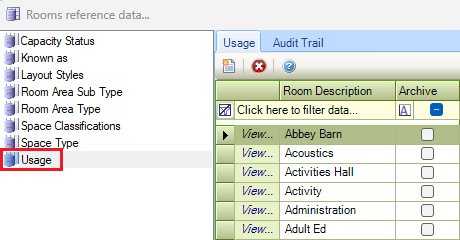
The Rooms reference data window can be accessed by navigating to Functions > Core > Reference Data > Rooms, or by clicking Manage Reference Data in the Tasks panel of a Room record.
You must have a role with the RoomReferenceData permission to access this window.
Refer to Managing Reference Data for further information on using reference data screens.
The following reference data is available:
Capacity Status
Use this reference data to define the net capacity statuses of a room (for example: for a school, 'E - LEA designated early years and childcare provision').
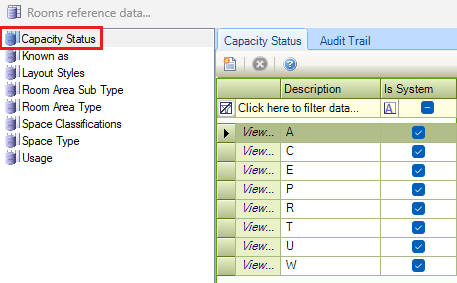
Records with the Is System check box selected cannot be edited.
Known As
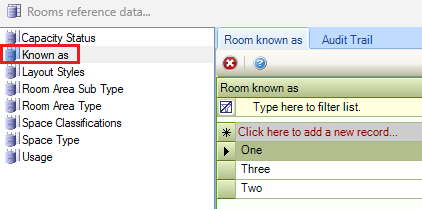
Use this reference data to record the name that rooms are known by.
Layout Styles
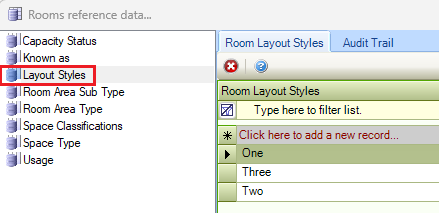
Use this reference data to define the layout styles of a room (for example: a classroom may have different layouts for classes and exams).
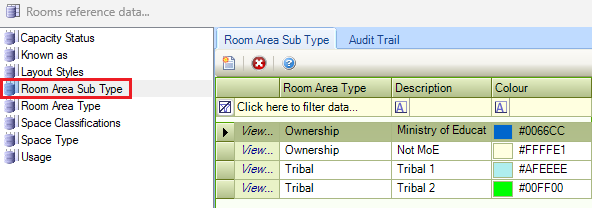
Room Area Sub Type
Use this reference data to define sub-types of the Room Area Types.
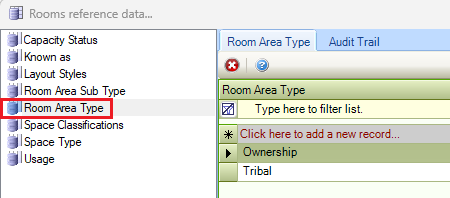
Room Area Type
Use this reference data to define room area types.
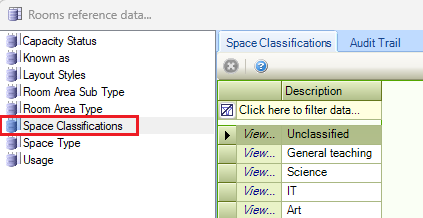
Space Classifications
Use this reference data to define what spaces are used for.
Space Type
Use this reference data to define space types, which are used for calculating the net capacity of a school and a count of the types of spaces in a school (for example a classroom and a private study would be categorised as General space types, while IT rooms would be classed as Light Practical).
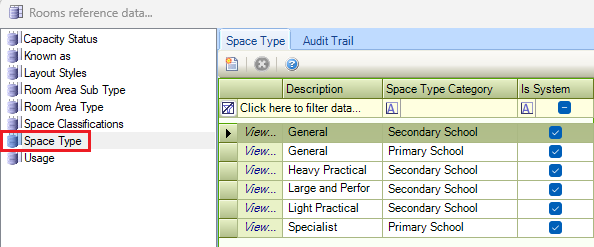
Records with the Is System check box selected cannot be edited.
Usage
Use this reference data to define room usage (for example classroom, changing room, and so on).