
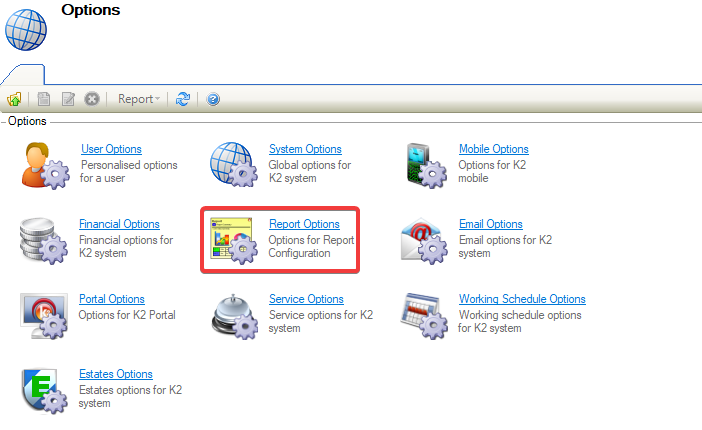
Navigating to Tools > System Options displays the Options screen.
You need a role with the SystemOption permission to access this screen.
To view or edit settings:
Report Options
-
Click on Report Options.
The Reports Options field is displayed and defaults to General on opening.
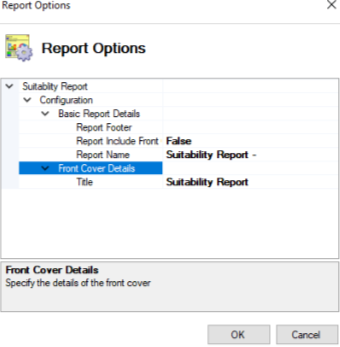
The above Report Options are designed to be used with the Suitability Report.
Values displayed in regular font are system defaults, while values displayed in bold are not the default value.
Basic Report Details
The fields on the Basic Report Details are described in the following table:
|
This field… |
Holds this information... |
|---|---|
|
Report Footer |
Displays the text that appears at the footer of the report. 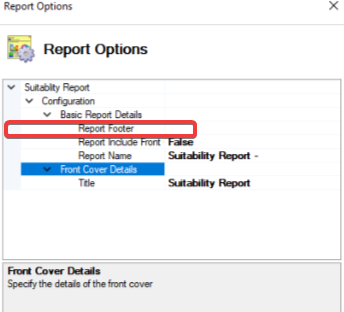
|
|
Report Include Front |
Specifies whether the front cover should be used. 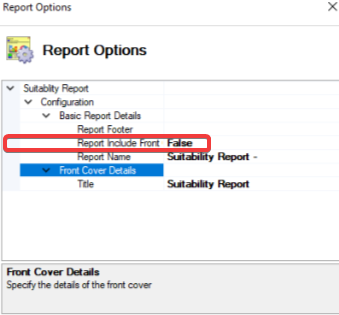
|
|
Report Name |
Displays the name of the Report. 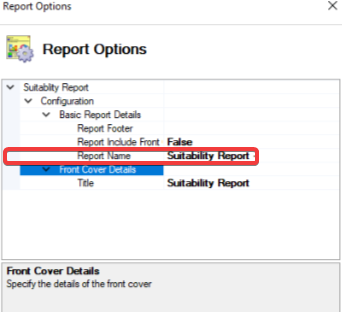
|
Front Cover Details
The fields on the System Option (Audit Trail) are described in the following table:
|
This field… |
Holds this information... |
|---|---|
|
Front Cover Details |
Displays the title of the front cover. 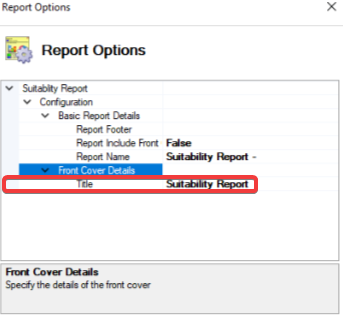
|