
The values displayed in most drop-down menus throughout K2 can be defined using reference data.
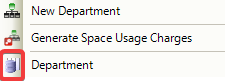
Reference data is represented in K2 menus by the following icon.
To manage reference data items, do one of the following:
-
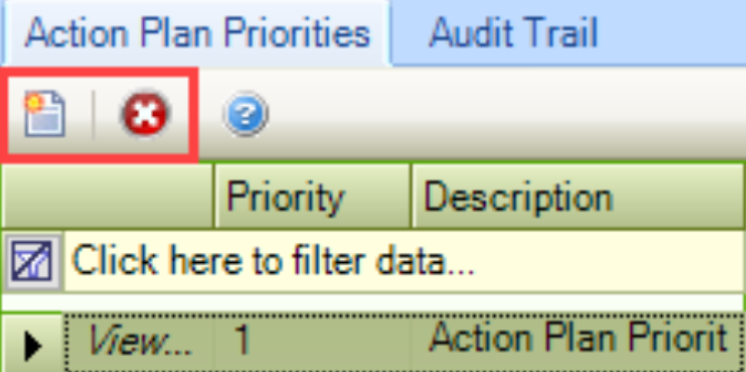
For reference data screens with one field, click on the Click here to add a new record to add a record, or click the Delete button to delete the selected record.
-
For reference data screens with multiple fields, click the New button to open a window, or click the Delete button to delete the selected record.
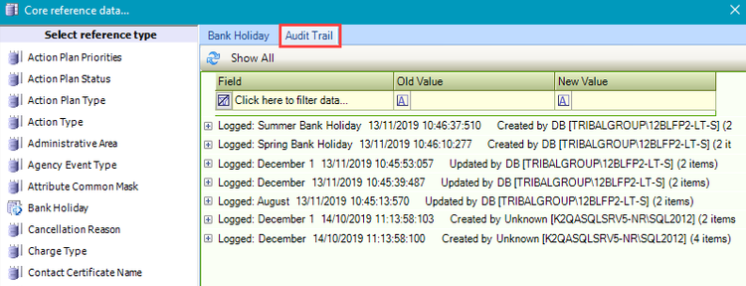
Each reference data item has an Audit Trail tab, which automatically records the changes made to each reference data item.
Reference Data Screens
The following reference data screens are available: