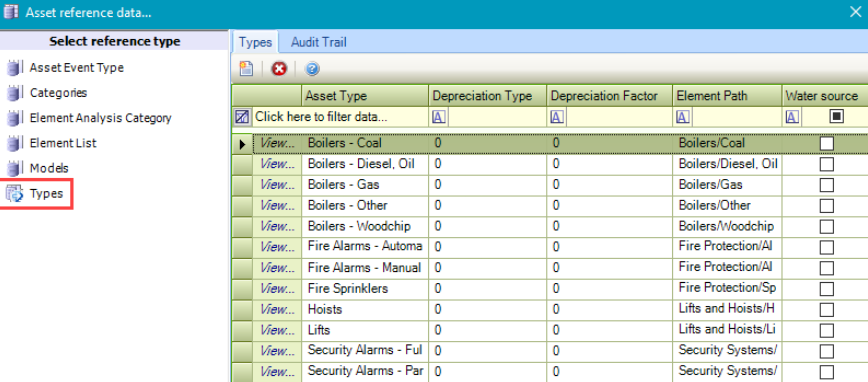
The Asset Reference Data window can be accessed by navigating to Functions > Asset > Asset.
You must have a role with the AssetReferenceData permission to access this window.
Refer to Managing Reference Data for further information on using reference data screens.
The following reference data is available:
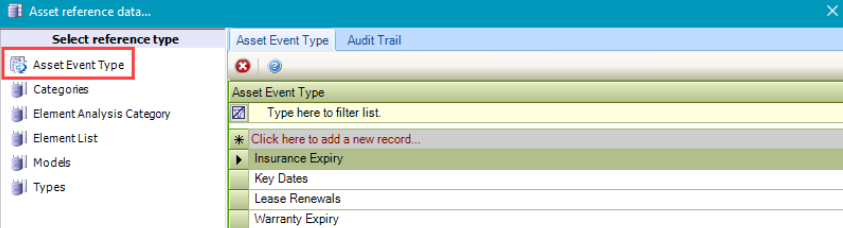
Asset Event Type
Use this reference data to define event types for assets (for example: warranty expiry, insurance expiry, and so on).
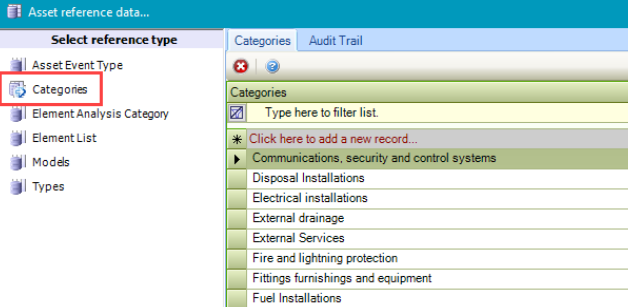
Categories
Use this reference data to define categories for assets (for example: Electrical installations).
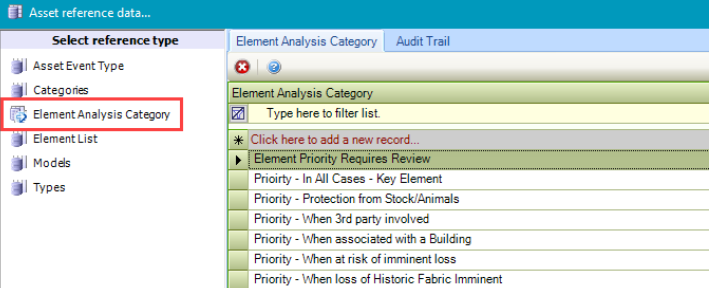
Element Analysis Category
Use this reference data to group elements for Condition Surveys.
Element List
Use this reference data to group similar items together for reporting purposes. Various elements are included by default.
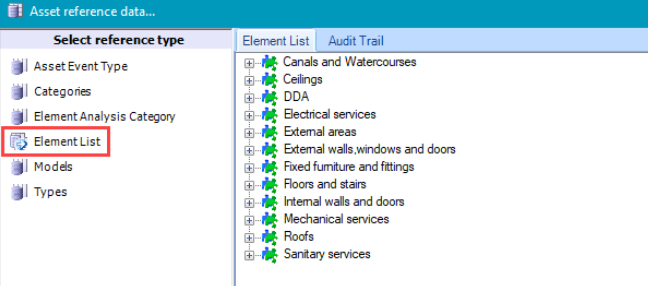
For further information, refer to Element List.
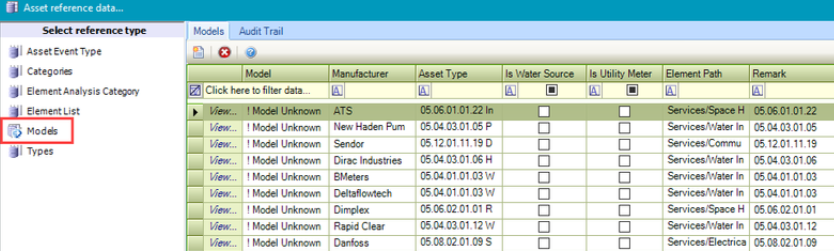
Models
Use this reference data to define models of assets, their type, and manufacturer (for example a boiler may be a model Greenstar 8000 Life, a type of Combi Boiler, and a manufacturer of Worcester Bosch).
Types
Use this reference data to define types of assets (for example: Combi Boiler).