
The Valuation reference data window can be accessed by navigating to Estates > Valuation > Valuation, or by clicking Manage Reference Data in the Tasks panel of a Valuation record.
You must have a role with the ValuationReferenceData permission to access this window.
Refer to Managing Reference Data for further information on using reference data screens.
The following reference data is available:
Administrative Area
Use this reference data to define areas that will be detailed for the financial year in the Rolling Valuation Programme, if applicable.
The setting is applied in Estates Options.
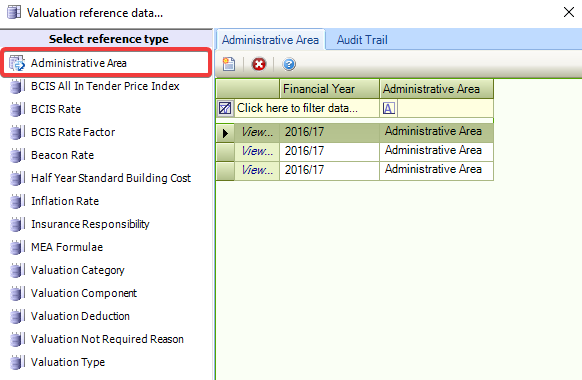
Administrative areas can be defined in Administrative Area (accessed by navigating to Function > Core > Reference Data > Core).
Financial years can be defined in Financial Years (accessed by navigating to Function > Core > Reference Data > Core).
BCIS All-In Tender Price Index
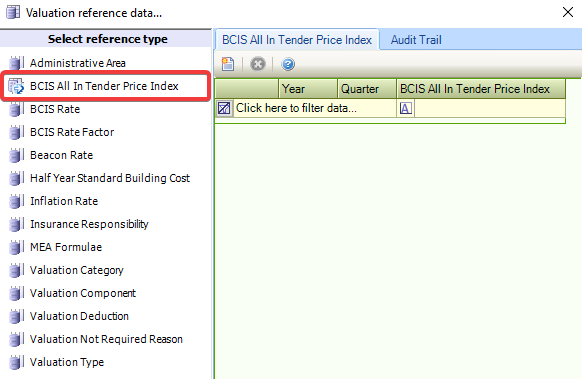
Use this reference data to define BCIS (Building Cost Information Service) All In Tender Price indices.
BCIS Rate
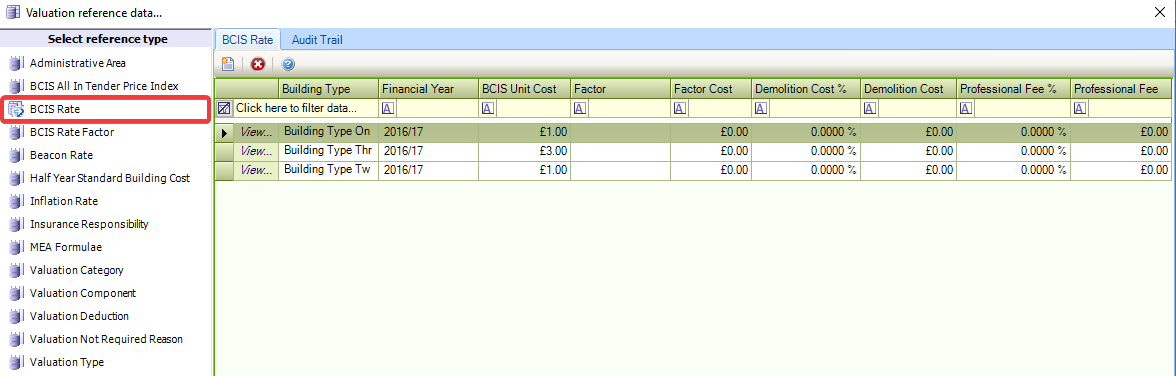
Use this reference data to record BCIS rates, which are used against all insurance valuation calculations and the DRC MEA calculation.
BCIS Rate Factor
Use this reference data to record BCIS Rate Factors, which are applied against BCIS Rates.
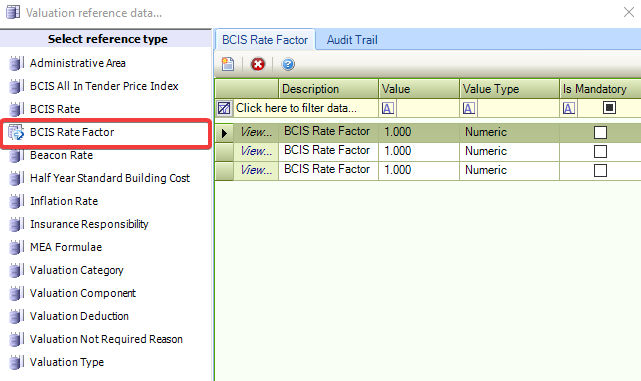
The fields on the BCIS Rate Factor grid are described in the following table:
|
This field… |
Holds this information... |
|---|---|
|
Description |
A description of the rate factor. |
|
Value |
The value of the rate factor. |
|
Value Type |
The type of value. This can be either a percentage increase or numerical value increase. |
|
Is Mandatory |
Whether the rate is mandatory. If selected, the BCIS Rate Factor is applied against all calculations. If deselected, the BCIS Rate Factor is optional. |
Beacon Rate
Use this reference data to define the rates that can be applied against the Beacon calculation.
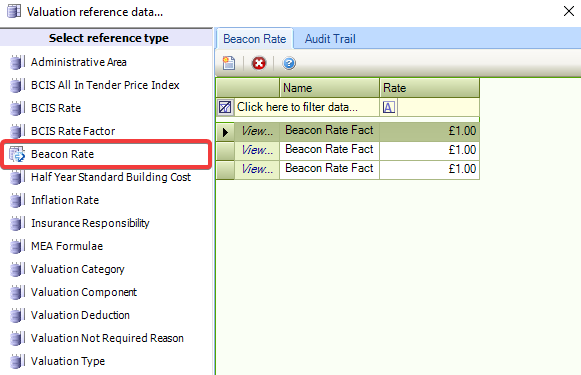
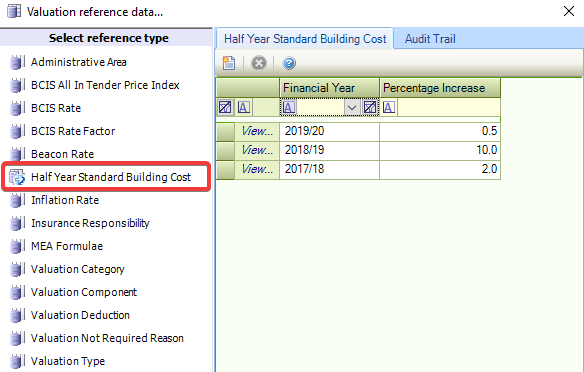
Half Year Standard Build Cost
Use this reference data to specify the percentage increases that can be applied against the Insurance Valuation Half Year Increase.
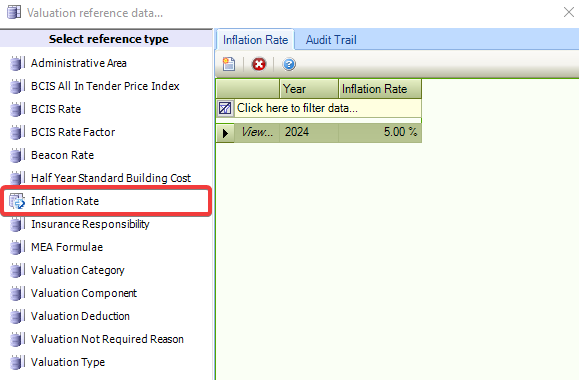
Inflation Rate
Use this reference data to record inflation rates for financial years.
Insurance Responsibility
Use this reference data to record parties that are responsible for insurance.
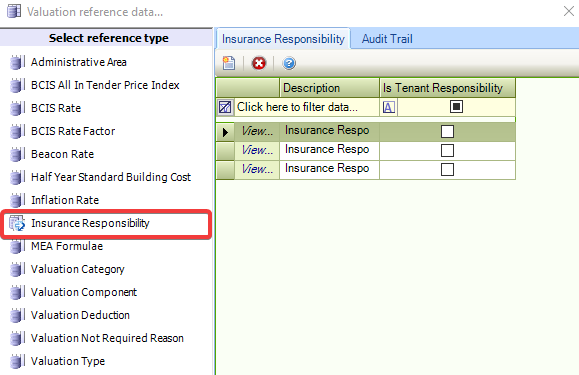
A warning is displayed when recording an insurance valuation against a building for which the tenant has assumed the insurance responsibility.
MEA Formulae
Use this reference data to record MEA (modern equivalent asset) formulae, which are used in the DRC (depreciated replacement cost) calculation and are specified at an individual Property Type level, where the type is a school.
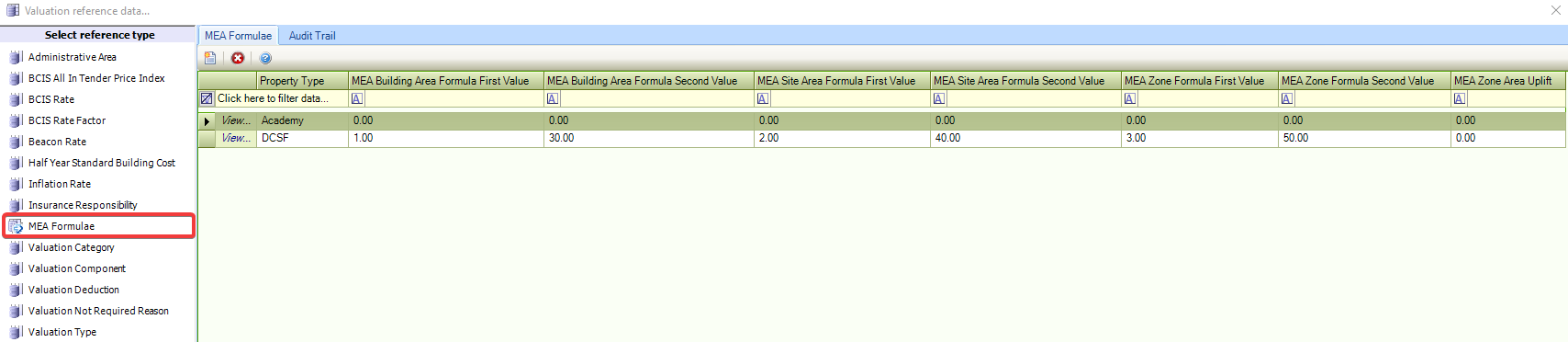
Property Types can be defined as schools in Container Type (accessed by navigating to Functions > Core > Reference Data > Business Units) by selecting the Is School check box.
Valuation Category
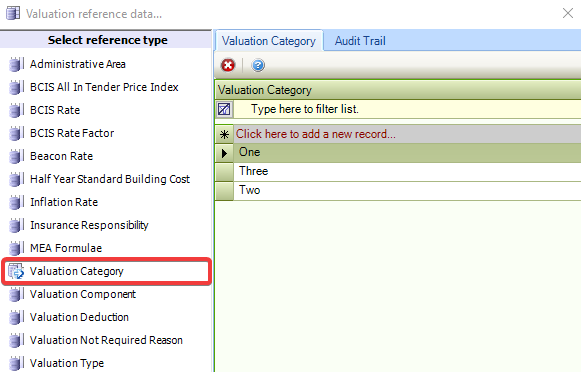
Use this reference data to record categories of valuations.
Valuation Component
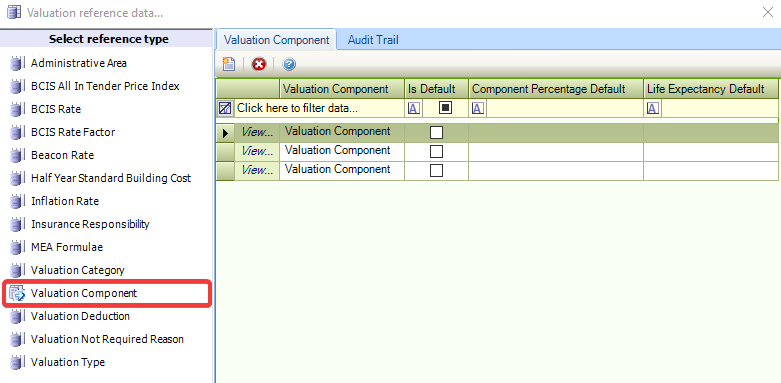
Use this reference data to record valuation components, which are used in the FV-DRC-MEA Building DRC calculation.
Valuation Deduction
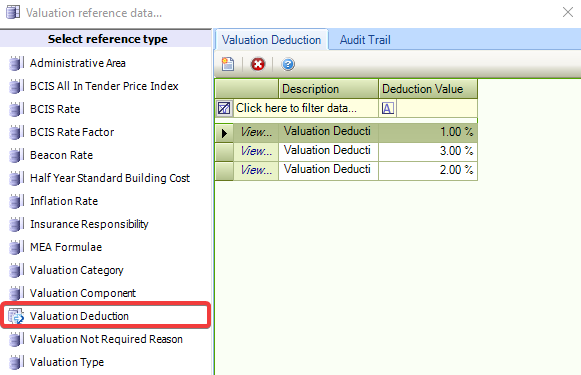
Use this reference data to record valuation deductions, which are used on the FV-MV County Farm calculation.
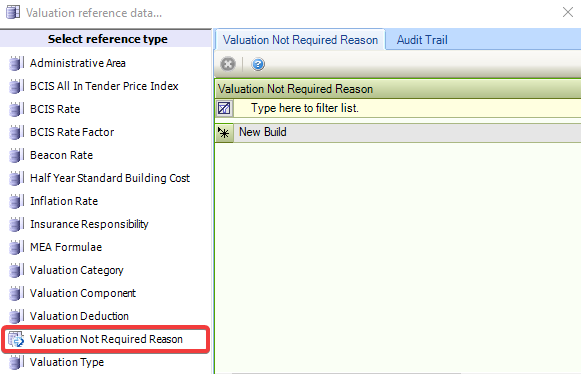
Valuation Not Required Reason
Use this reference data to record reasons why a valuation is not required.
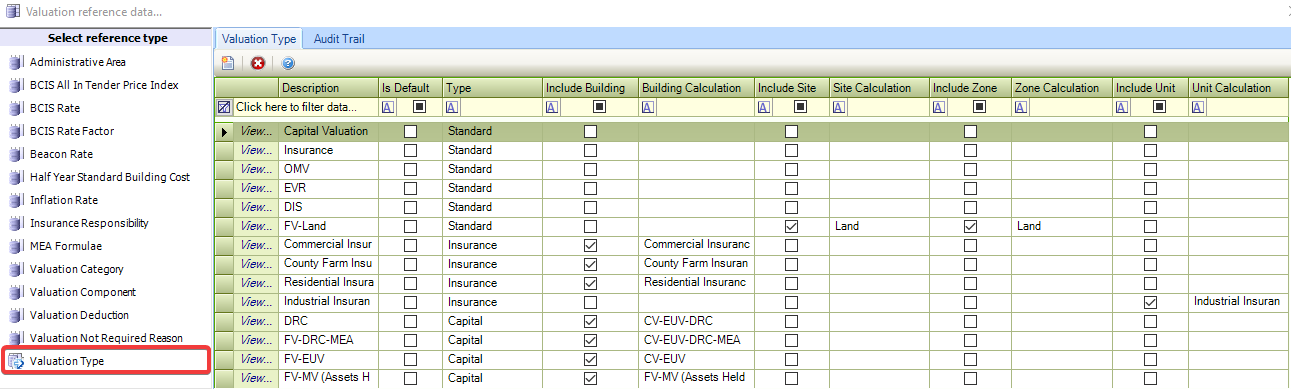
Valuation Type
Use this reference data to record valuation types, where various valuation calculations are specified against the required entities.
Clicking the New button displays the Valuation Type Editor window.
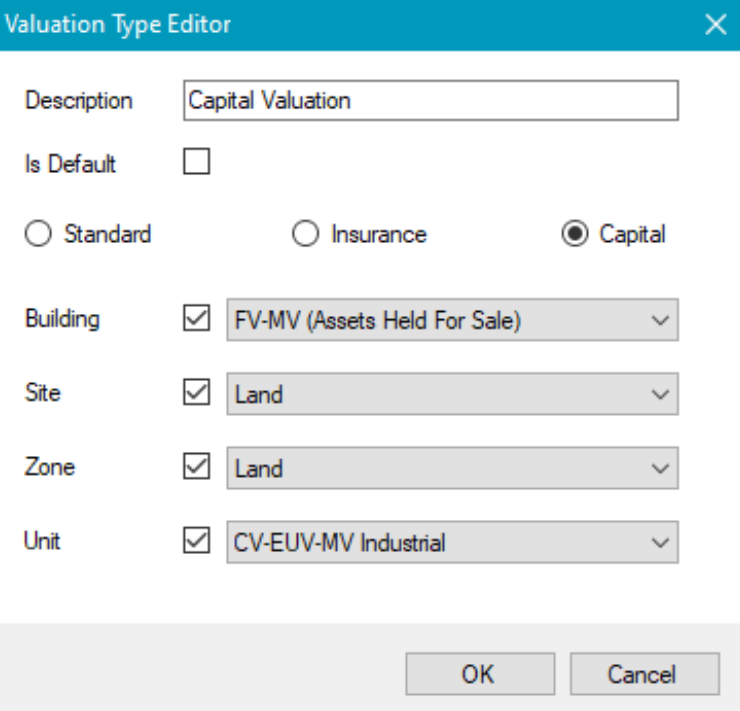
You can select whether the valuation is Standard, Insurance or Capital. The selections from the subsequent fields are dependent on the radio button selected.
The following list denotes the meaning of the acronyms:
-
DRC – Depreciated Replacement Cost
-
EUV – Existing Use Value
-
FV – Fair Value
-
MEA – Modern Equivalent Asset
-
MV – Market Value
-
OME – Open Market Equivalent
Editing the reference data only takes effect from the next valuation record created (that is: it does not retroactively change existing calculations or items).