
The Suitability reference data window can be accessed by navigating to Education > Suitability > Suitability.
You must have a role with the SuitabilityReferenceData permission to access this window.
Refer to Managing Reference Data for further information on using reference data screens.
The following reference data is available:
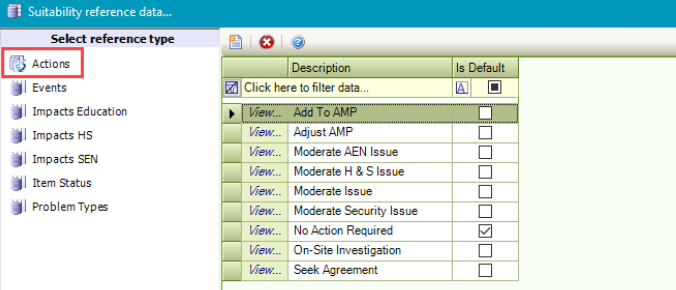
Actions
Use this reference data to define actions to be taken after a suitability record has been created.
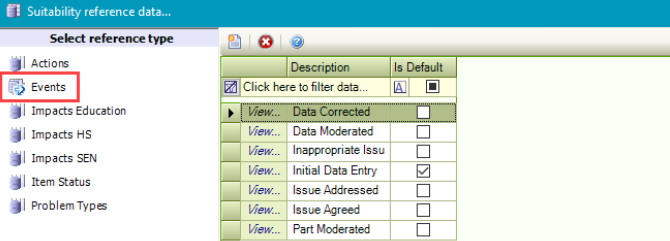
Events
Use this reference data to define suitability events (for example: Data Corrected).
Impacts Education
Use this reference data to define impacts on education.
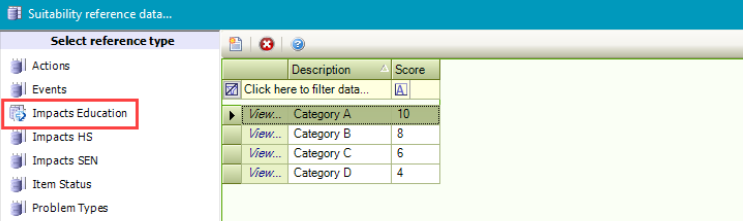
The following categories are recommended:
-
Category A - Unable to teach curriculum
This is most likely to be associated with the number and types of teaching spaces available. There should be enough appropriate spaces to accommodate all learners for the entirety of the curriculum.
-
Category B - Teaching methods inhibited
Unsuitability of spaces may mean that schools’ preferred teaching methods are inhibited. This may be associated with numbers and types of teaching spaces, or with the size and other aspects of spaces.
-
Category C - Management or organisation of school affected adversely
The unsuitability of spaces and/or the way they relate to each other may affect the organisation or management of the school.
-
Category D - Pupil or staff morale or pupil behaviour affected adversely
The unsuitability of spaces may affect learner or staff morale or pupil behaviour.
Impacts HS
Use this reference data to define impacts on health and safety.
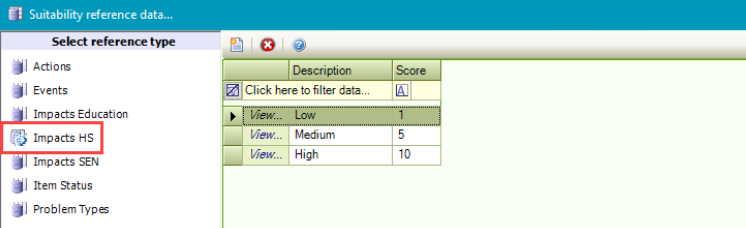
The following categories are recommended:
-
High - problems that present an immediate high risk to the health and safety of occupants and/or are serious breaches of legislation.
-
Medium - problems that present a medium risk to the health and safety of occupants and/or are less serious breaches of legislation.
-
Low - problems that present a low risk to the health and safety of occupants and/or are minor breaches of legislation.
Impacts SEN
Use this reference data to define impacts for Special Educational Needs.
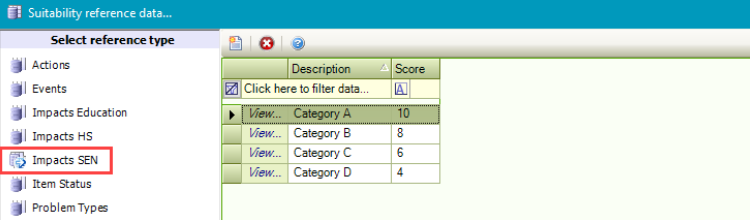
The following categories are recommended:
-
Category A - Unable to teach curriculum
This is most likely to be associated with the number and types of teaching spaces available. There should be enough appropriate spaces to accommodate all learners for the entirety of the curriculum.
-
Category B - Teaching methods inhibited
Unsuitability of spaces may mean that schools’ preferred teaching methods are inhibited. This may be associated with numbers and types of teaching spaces, or with the size and other aspects of spaces.
-
Category C - Management or organisation of school affected adversely
The unsuitability of spaces and/or the way they relate to each other may affect the organisation or management of the school.
-
Category D - Pupil or staff morale or pupil behaviour affected adversely
The unsuitability of spaces may affect learner or staff morale or pupil behaviour.
Item Status
Use this reference data to define the status of items.
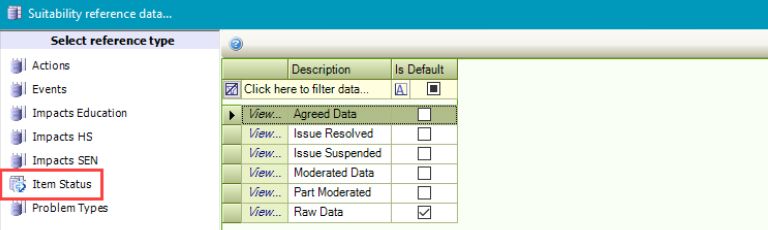
Problem Types
Use this reference data to define the types of problems that may occur.
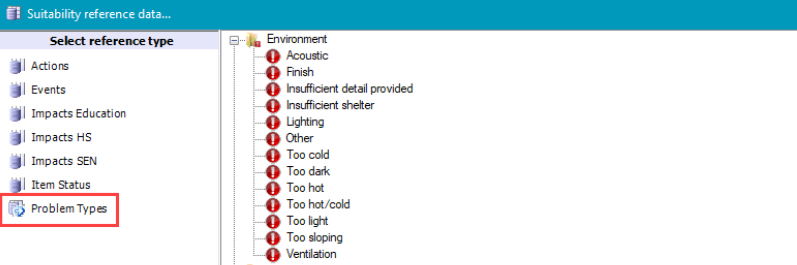
Actions can be carried out using the menu accessed by right-clicking in the window or on an item.
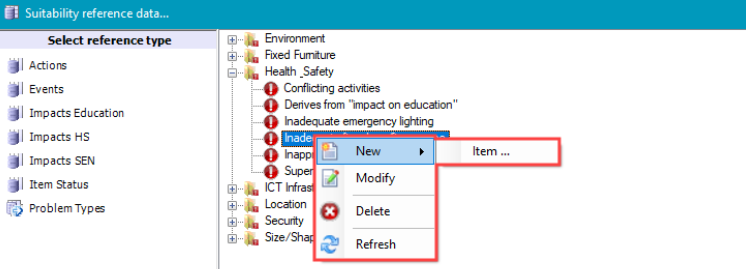
The menu allows you to do the following:
-
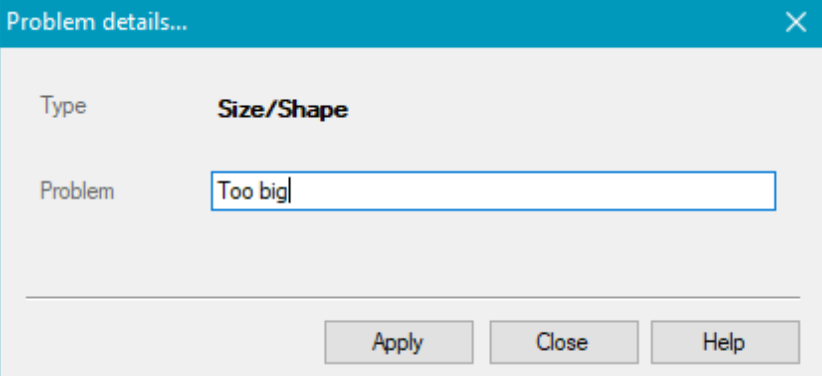
Add a new item by navigating to New > Item - this displays the Problem details window.
-
Edit the selected item by clicking the Modify option.
-
Delete the selected item by clicking the Delete option.
-
Refresh the window using the Refresh option.