The Correspondence reference data window can be accessed by navigating to Business Continuity > Correspondence > Correspondence, or by clicking Manage Reference Data in the Tasks panel of a Correspondence Record.
You must have a role with the CorrespondenceReferenceData permission to access this window.
Refer to Managing Reference Data for further information on using reference data screens.
The following reference data is available:
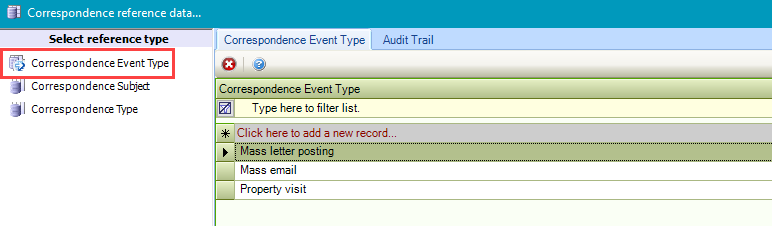
Correspondence Event Type
Use this reference data to define types of correspondence events (for example: Property Visits), which are then displayed in the calendar.
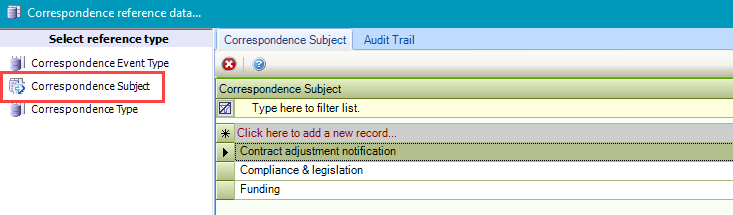
Correspondence Subject
Use this reference data to record the subject of the correspondence (for example: Funding or Compliance and legislation).
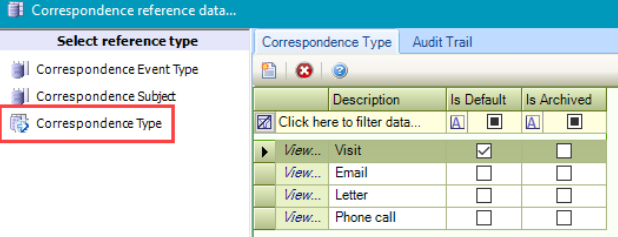
Correspondence Type
Use this reference data to record the nature of the correspondence (for example: Email or Phone Call).