The Incident reference data window can be accessed by navigating to Business Continuity > Incident > Incident, or by clicking Manage Reference Data in the Tasks panel of an Incident Record.
You must have a role with the IncidentReferenceData permission to access this window.
Refer to Managing Reference Data for further information on using reference data screens.
The following reference data is available:
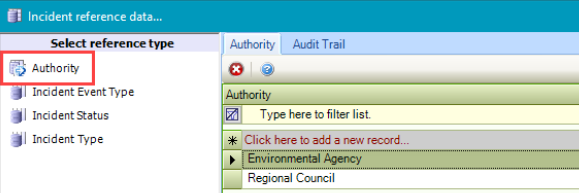
Authority
Use this reference data to record reporting authorities (for example: Regional Council).
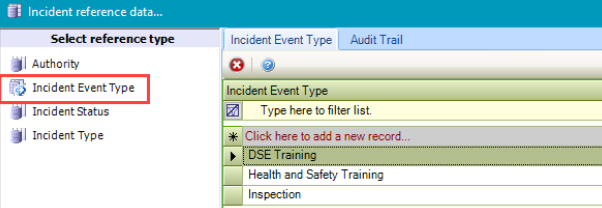
Incident Event Type
Use this reference data to record the types of incident events (for example: Inspection).
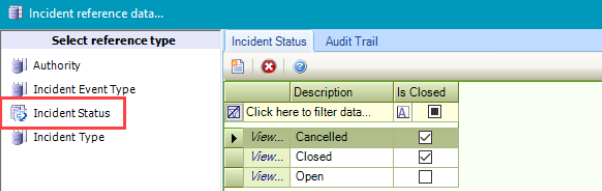
Incident Status
Use this reference data to record incident statuses (for example: Open or Closed).
Incident Type
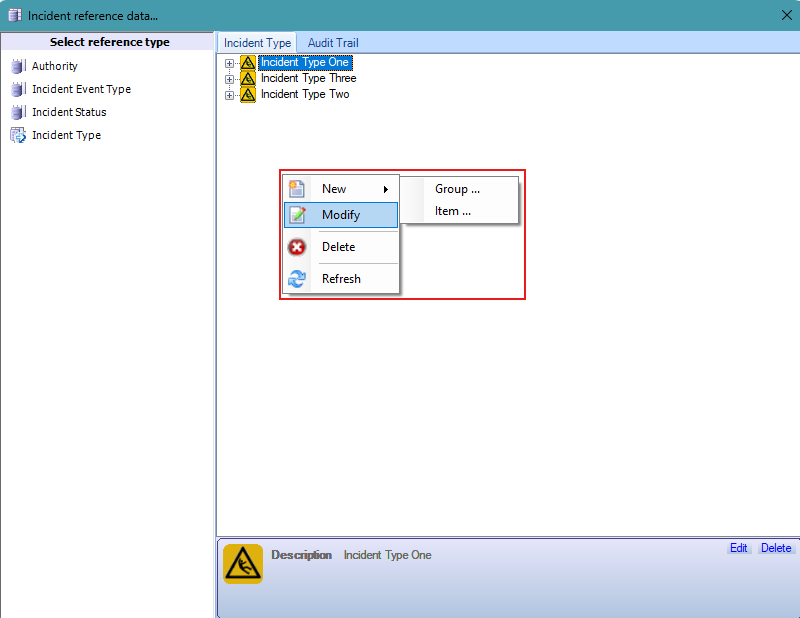
Use this reference data to record types of incidents. These can be put into groups (for example: Chemical or Theft). Groups can then consist of items (for example: Under Investigation in the Theft group).
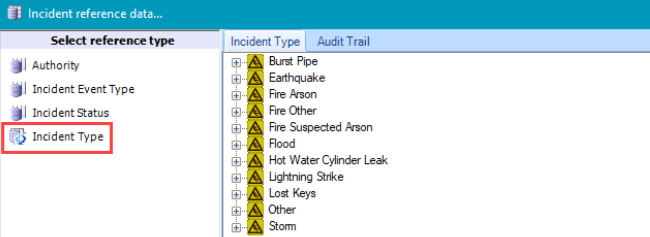
Right click to display the menu to allow adding a new group or item, modifying or deleting incident types.