
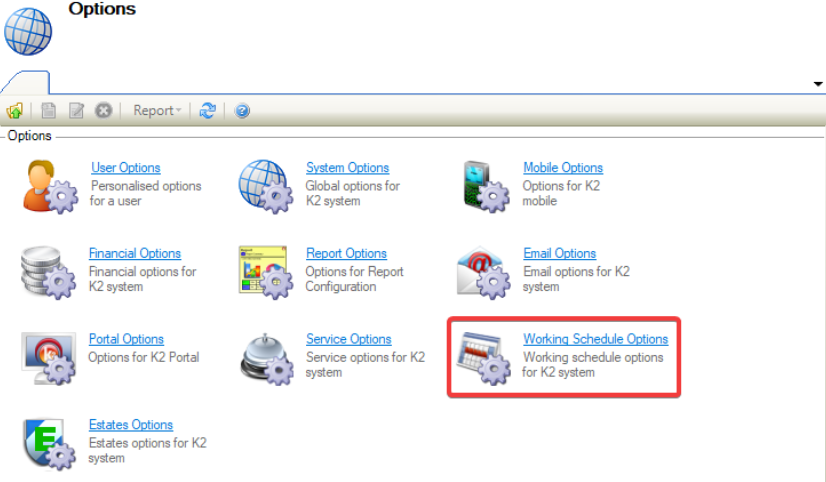
Navigating to Tools > System Options displays the Options screen.
You need a role with the System Administrator permission to access this screen.
To view or edit settings:
Working Schedule Options
-
Click on Working Schedule Options.
The Working Schedule Options field is displayed.
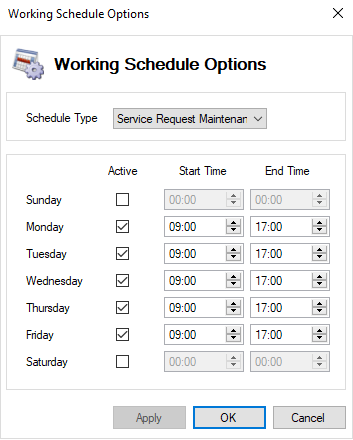
The fields on the Working Schedule Options field are described in the following table:
|
This field… |
Holds this information... |
|---|---|
|
Schedule Type |
The following Schedule Types appear in the drop-down:
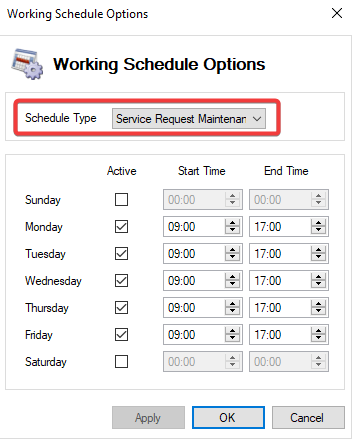
This option applies to the Response and Resolve Times against a Service Request Maintenance, and to Availability on Resource Booking. On opening, the Schedule Type defaults to Service Request Maintenance. |
|
Active |
Displays the active days of the week for the working schedule. 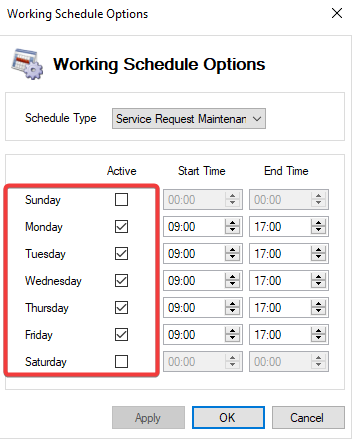
The days Monday through Friday are selected by default. |
|
Start Time |
Sets the Start Time of a working day. 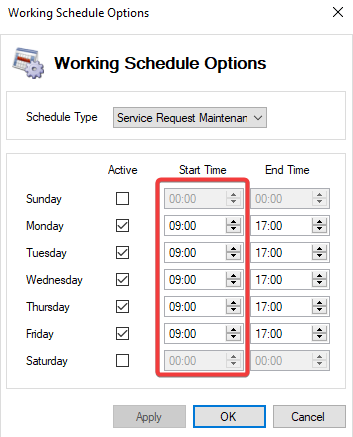
The Start Time can be changed by selecting the up/down arrows within the Start Time field. |
|
End Time |
Sets the End Time of a working day. 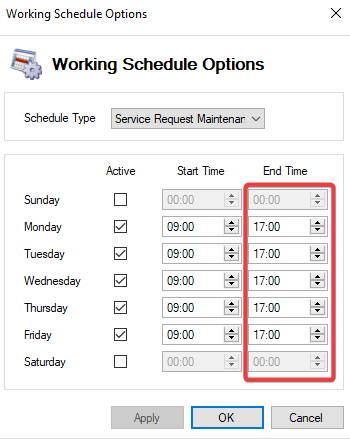
The End Time can be changed by selecting the up/down arrows within the End Time field. |